Manjaro Linux (KDE Plasma) Daily Use and Common Software Installation
Because ThinkBook 16+ uses AMD Ryzen 6000 series CPU, keyboard malfunction occurs under Linux Kernel 6, showing continuous keypresses or freezing after pressing keys. Also installing Debian and derivatives causes boot errors, which is inconvenient for scenarios like mine with frequent system switching, so I temporarily switched to Manjaro Linux.

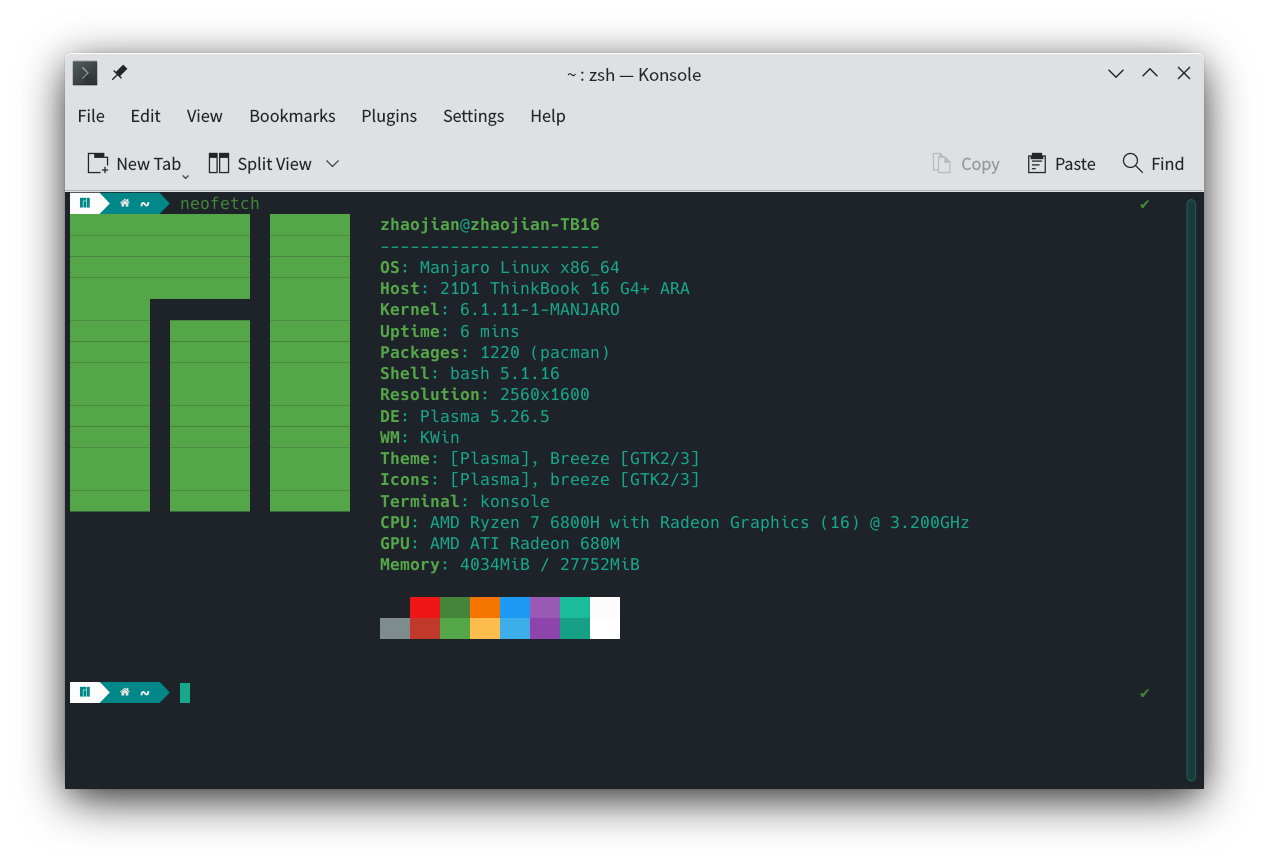
System environment: Version: Manjaro Linux (Kernel 6.1.11) Desktop environment: KDE Plasma 5.26.5
Common software: Chrome Beta Visual Studio Code Remmina FileZilla DBeaver VMware Workstation 17 Pro Joplin XMind WPS Office WeChat QQ/TIM Sogou Input Method Dr.Web Beta Motrix easystroke (Linux Mouse Gestures)
Date: 2023-02
My software selection principles Channel preference: System software center (Pamac) > Official website > Third-party websites Software preference: Cross-platform > Open source > Free > Cracked > Paid Version preference: Beta > Stable
After Manjaro Linux installation, first connect to network using mobile hotspot (USB connection), then download and install wireless network card driver, ThinkBook 16+ Linux Wireless Network Card Driver. If GitHub is inaccessible or slow in China, please use GitHub China Mirror. Common software can be installed using system’s built-in Pamac package manager (convenient for editing and replacing when some addresses are inaccessible), or install via terminal.
Manjaro Linux install yay package manager
$ sudo pacman -S yayThinkBook 16+ Linux wireless network card driver
$ sudo pacman -S linux-headersgit clone https://github.com/lwfinger/rtw89.gitcd rtw89makesudo make installChrome Beta
$ yay -S google-chrome-betaVisual Studio Code
$ yay -S visual-studio-code-binRemmina
$ yay -S remmina-gitFileZilla
$ yay -S filezillaDbeaver
$ yay -S dbeaverVMware Workstation 17 Pro keys MC60H-DWHD5-H80U9-6V85M-8280D
$ sudo chmod +x VMware-Workstation-Full-17.0.0-20800274.x86_64.bundle$ sudo ./VMware-Workstation-Full-17.0.0-20800274.x86_64.bundleJoplin
$ yay -S joplin-beta-appimageXMind
$ yay -S xmindWPS Office
$ yay -S wps-office$ yay -S wechat-uosQQ/TIM
$ yay -S linuxqqSogou Input Method
$ yay -S fcitx-sogoupinyinDr.Web Linux version key Dr.Web Linux version can use Dr.Web Linux beta version key for free authorization
$ sudo chmod +x drweb-11.1.3-av-linux-amd64.run$ sudo ./drweb-11.1.3-av-linux-amd64.runMotrix
$ yay -S motrix-appimageeasystroke (Linux Mouse Gestures)
$ yay -S easystrokeSome software encountered issues during installation, or needs cracking, will update when time permits