Kubuntu 22.10 Daily Use and Common Software Installation
After switching to Manjaro Linux for a few days, I couldn’t connect to the network, only showing local lo network connection. It seems that after upgrading the kernel and system, there was a problem with the network card driver. Switching back to Debian-based systems showed the same issue. Finally, I found that the network card driver on Ubuntu Launchpad Realtek 8852AE, 8852BE, and 8853CE WiFi drivers works perfectly.
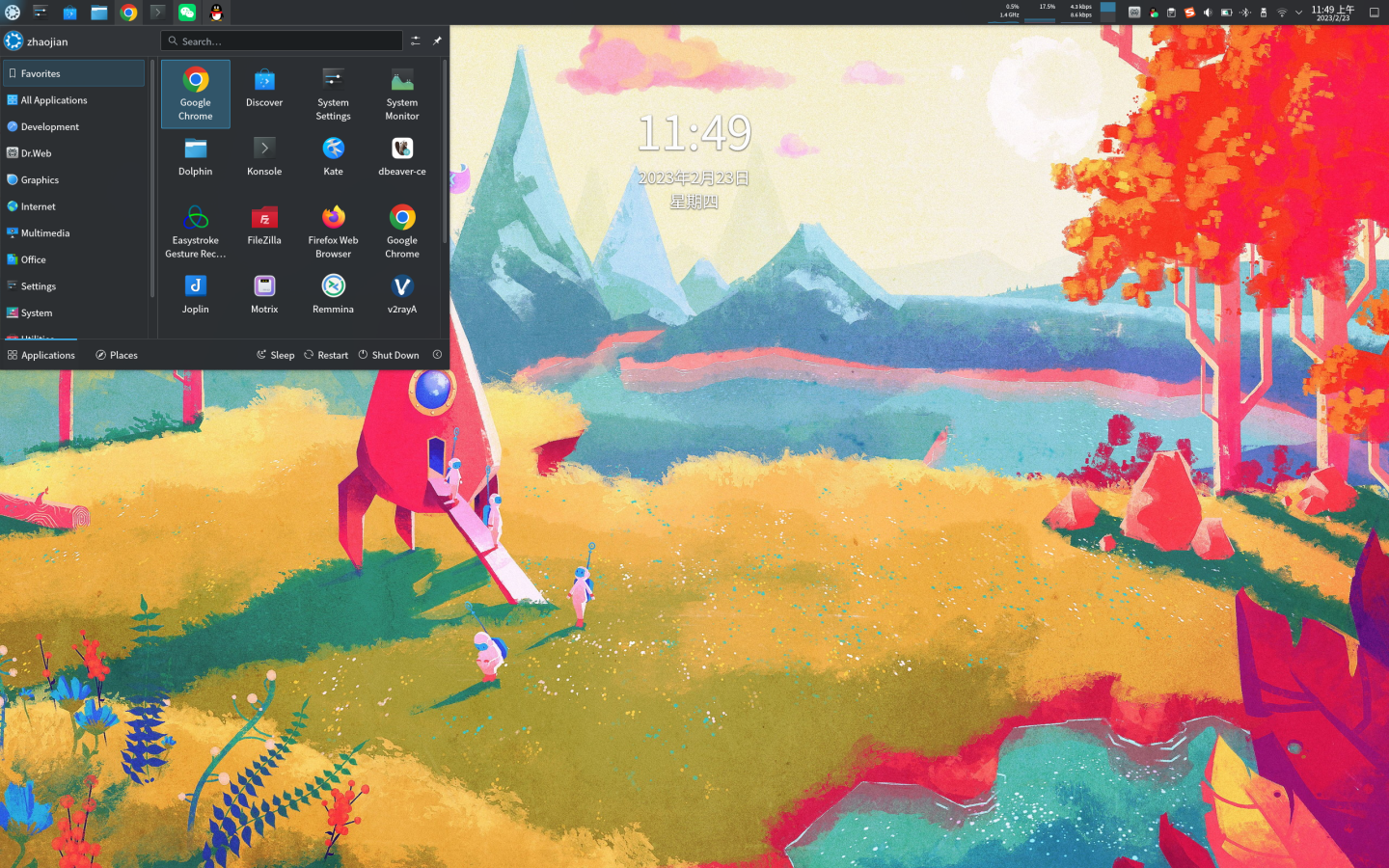
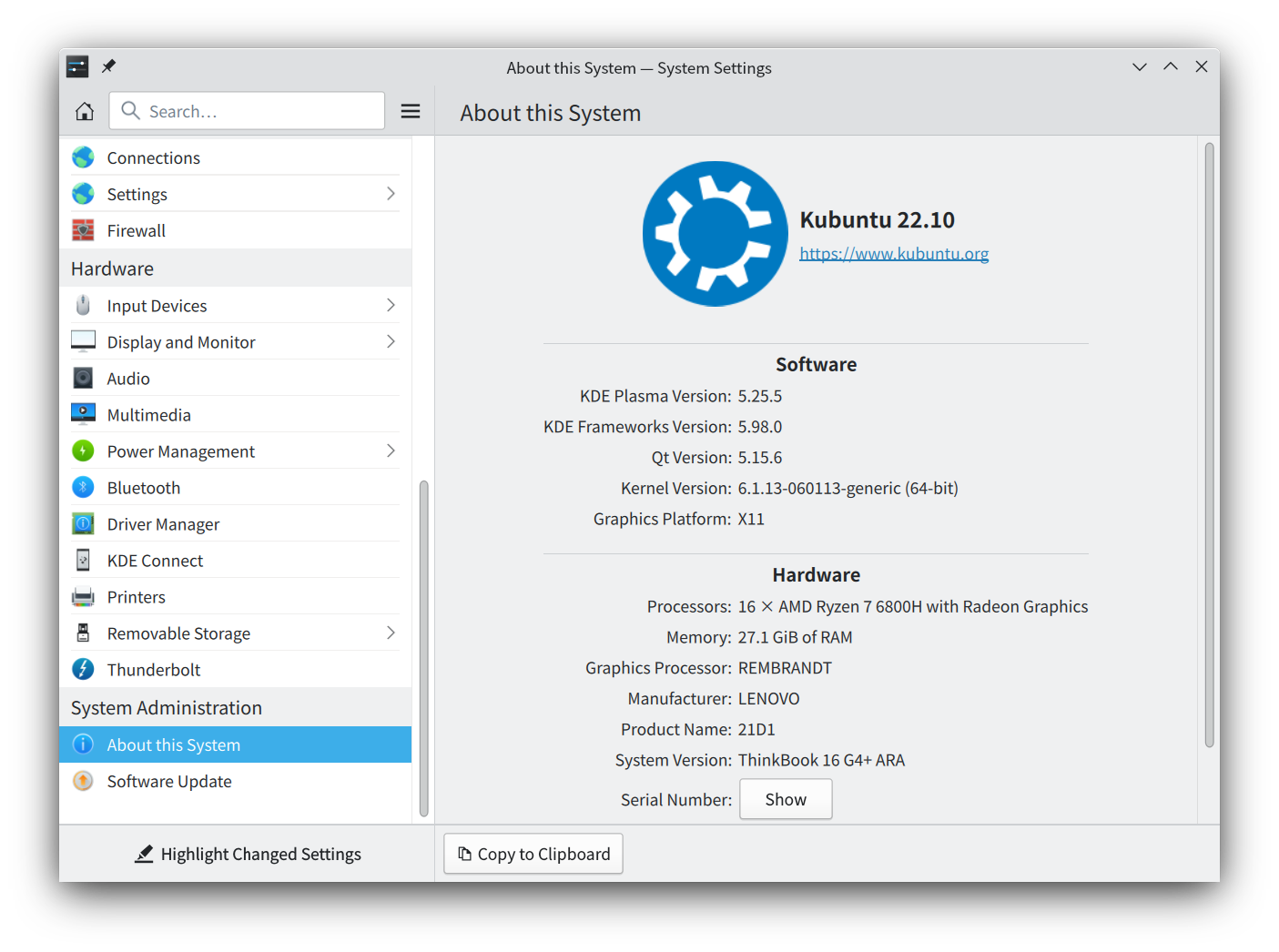
System Environment: Version: Kubuntu 22.10 (Kernel 6.1.13) Desktop Environment: KDE Plasma 5.25.5
Common Software: Google Chrome Browser Visual Studio Code Remmina FileZilla DBeaver VMware Workstation 17 Pro Joplin XMind WPS Office WeChat QQ Sogou Input Method Dr.Web Beta Motrix easystroke (Linux Mouse Gestures)
Date: 2023-02
My software selection principles: Channel preference: System software center (Discover) > Official website > Third-party websites Software preference: Cross-platform > Open source > Free > Cracked > Paid Version preference: Stable version
After Kubuntu 22.10 installation, first connect to the network using mobile hotspot (USB connection), then install the wireless network card driver, ThinkBook 16+ Linux Wireless Network Card Driver.
ThinkBook 16+ Linux Wireless Network Card Driver Ubuntu Launchpad Realtek 8852AE, 8852BE, and 8853CE WiFi drivers
$ sudo add-apt-repository ppa:greg-whiteley/rtw89$ sudo apt update$ sudo apt install rtw89-dkmsKubuntu 22.10 Upgrade to Latest Linux Kernel v6.1.13
Download .deb installation packages from official website: Google Chrome Browser
$ sudo dpkg -i google-chrome-stable_current_amd64.debSogou Pinyin Input Method Linux Personal Edition
$ sudo dpkg -i sogoupinyin_4.0.1.2800_x86_64.deb$ sudo dpkg -i linuxqq_3.0.0-571_amd64.debWeChat Linux Version 2.1.4 (Newer versions can be found in the download directory)
$ sudo dpkg -i weixin_2.1.4_amd64.debVMware Workstation 17 Pro keys MC60H-DWHD5-H80U9-6V85M-8280D
$ sudo chmod +x VMware-Workstation-Full-17.0.0-20800274.x86_64.bundle$ sudo ./VMware-Workstation-Full-17.0.0-20800274.x86_64.bundleDr.Web Beta Linux Version key Dr.Web Linux version can use Dr.Web Linux beta version key for free authorization
$ sudo chmod +x drweb-11.1.3-av-linux-amd64.run$ sudo ./drweb-11.1.3-av-linux-amd64.runVisual Studio Code Don’t install VS Code from the system Discover software center, otherwise you won’t be able to input Chinese on Linux
$ sudo dpkg -i code_1.75.1-1675893397_amd64.debSearch and download from system Discover software center: Remmina FileZilla Dbeaver Joplin XMind WPS Office Motrix easystroke (Linux Mouse Gestures)
Using the system’s built-in Discover to install software is quite convenient, thumbs up!