IT Course HTML Basics 010_Elements, Attributes
Elements
| Opening Tag | Element Content | Closing Tag |
|---|---|---|
<h1> | This is a heading | </h1> |
<p> | This is a paragraph | </p> |
<a href="https://www.zhaojian.net/" title="link"> | This is a link | </a> |
<img src="/images/logo.png" alt="This is an image"> | This is an image | |
<br> | Line break |
<!DOCTYPE html><html lang="en">
<head> <meta charset="UTF-8" /> <title>hello HTML</title> </head>
<body> <h1>This is a heading</h1> <p> This is a paragraph<br> <a href="https://www.zhaojian.net/" title="link">This is a link</a> </p> <img src="/images/logo.png" alt="This is an image" /> <br /> </body>
</html>[!Summary]
- HTML elements start with an opening tag and end with a closing tag
- The content of an HTML element is what’s between the opening and closing tags
- Some HTML elements have empty content, these tags without content and without closing tags are called empty tags or void elements, designed for specific functions while maintaining simplicity and flexibility, such as:
<br>,<hr>,<img>,<meta>,<input>, etc.- Most HTML elements can have attributes
- HTML elements are commonly referred to as HTML tags
- HTML elements usually come in pairs, like
<p>and</p>- HTML elements can be nested inside other HTML tags
- HTML elements are not case-sensitive, but lowercase is recommended
Attributes
HTML elements can have attributes, which provide more information about the element or define certain behaviors of the element. Attributes are always defined in the opening tag, often appearing in the form of “attribute name=attribute value”. For example, the link (a) element can use the href attribute to specify the target address of the link:
Example:
<a href="https://www.zhaojian.net">zhaoJian.Net</a>Effect:
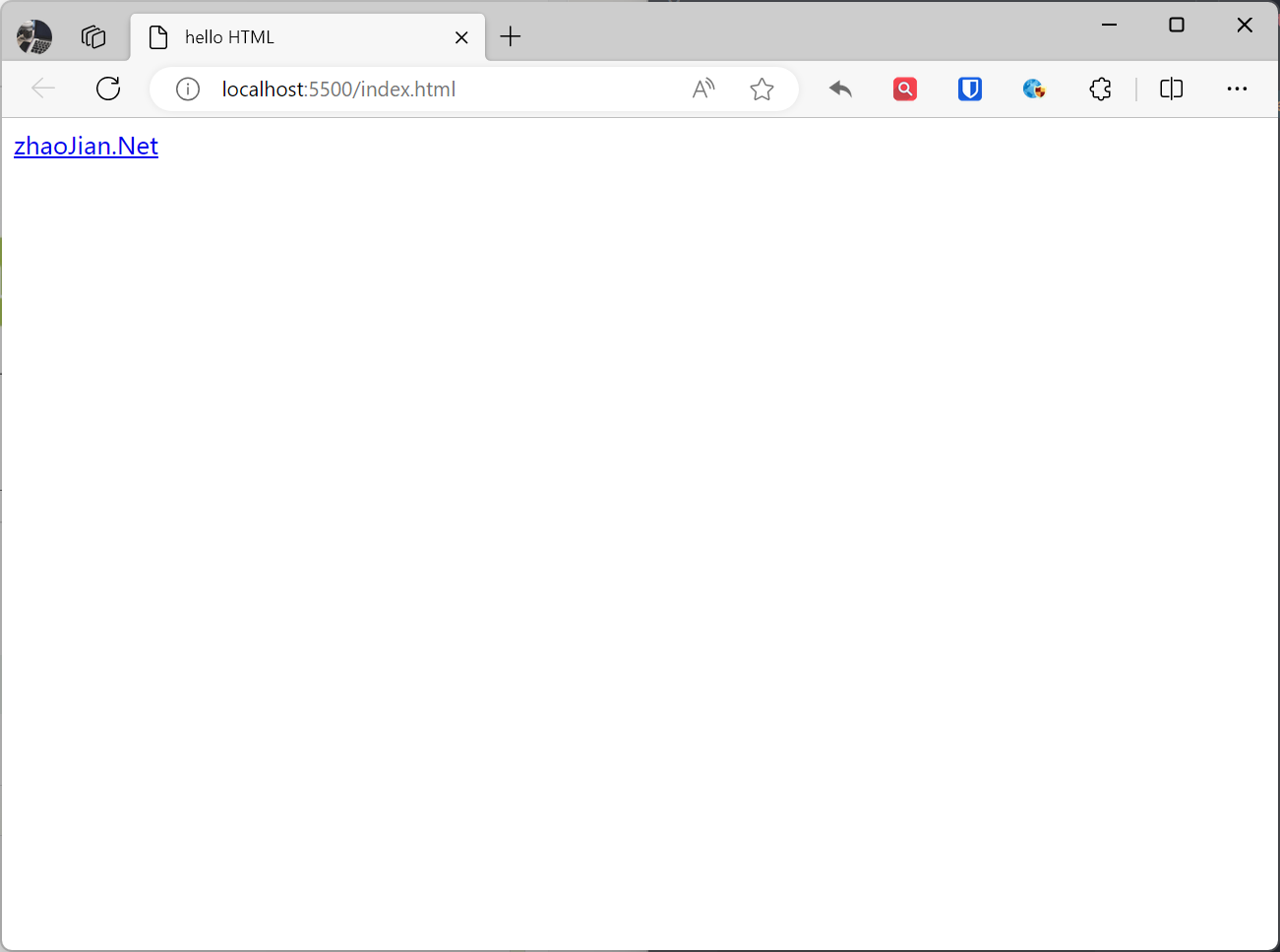
In the above code, the href attribute of the a element has the value "https://www.zhaojian.net", which means when the link is clicked, the browser will navigate to that URL.
Common attributes:
id: Provides a unique identifier for the element.class: Provides one or more class names for the element, different elements can have the same class name.style: Provides inline styles for the element.title: Adds title content for link elements.alt: Adds description content for image elements.
[!Summary]
- Attributes always appear in name=value pairs, like:
name="value".- Separate attributes from the element name (or the previous attribute if there’s more than one) with a space.
- Attribute values should always be enclosed in quotes, double quotes are most common, but single quotes are also fine.
- Attributes and attribute values are not case-sensitive, but lowercase is recommended.