Fix Douyin/TikTok "System Busy, Please Restart App or Refresh Page and Try Again"
I rarely use Douyin and don’t have it installed on my phone. Some time ago, someone used my phone number to return products on Douyin, so I wanted to check if my account was compromised. After installing the Douyin app, I couldn’t login and got the message “System busy, please restart app or refresh page and try again”. After waiting several days, the same message persisted. I repeatedly uninstalled and reinstalled, but still got: “System busy, please restart app or refresh page and try again”.
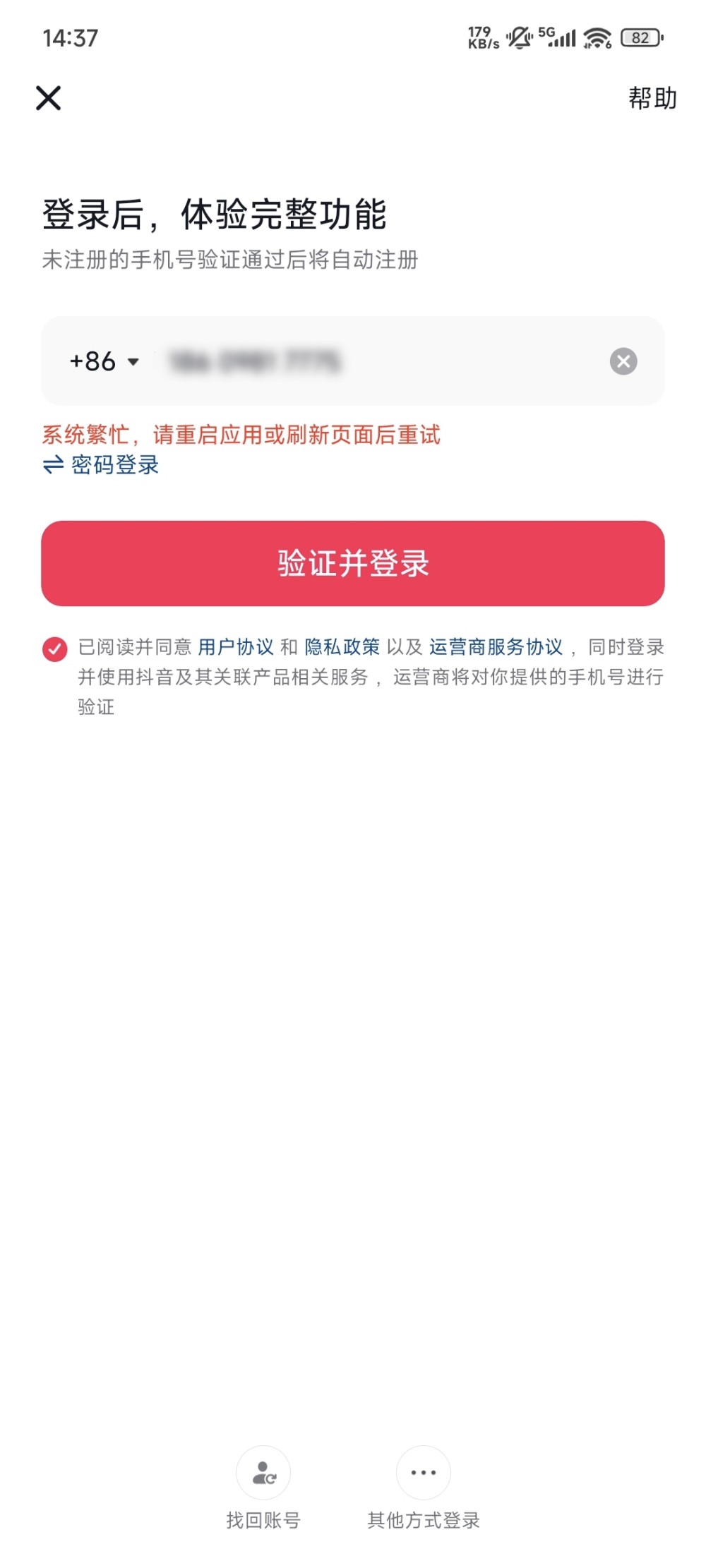
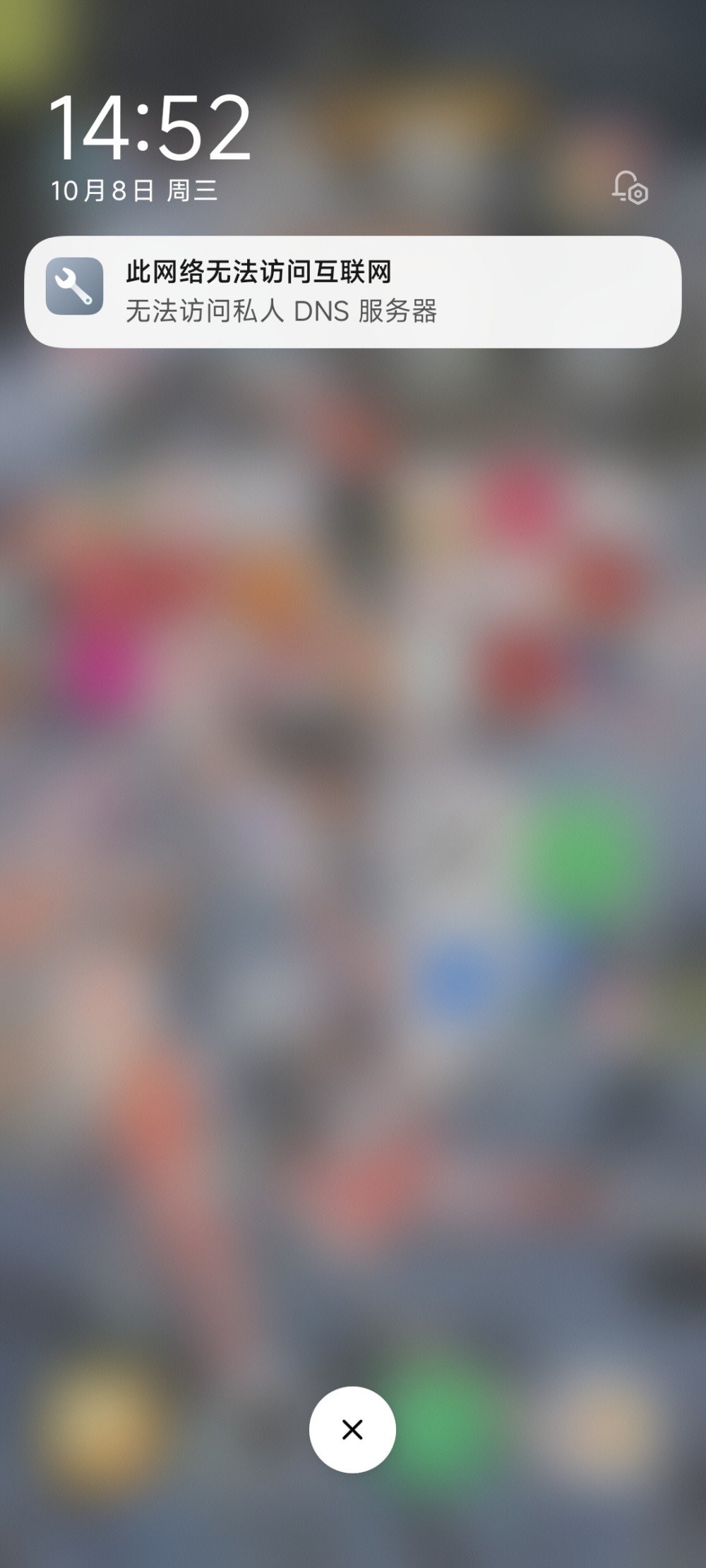
I searched the entire internet for solutions, but aside from waiting, there was no reliable fix. Today I suddenly thought - maybe I need to return to the domestic network? But when trying to switch, it showed: “This network cannot access the internet” and “Cannot access private DNS server”.
After disabling the private DNS setting on my phone, I could login normally. Since the network had been working fine before, the problem was definitely the private DNS. I tested again and confirmed it was the private DNS setting issue. Just disable private DNS (set private DNS to auto or off).
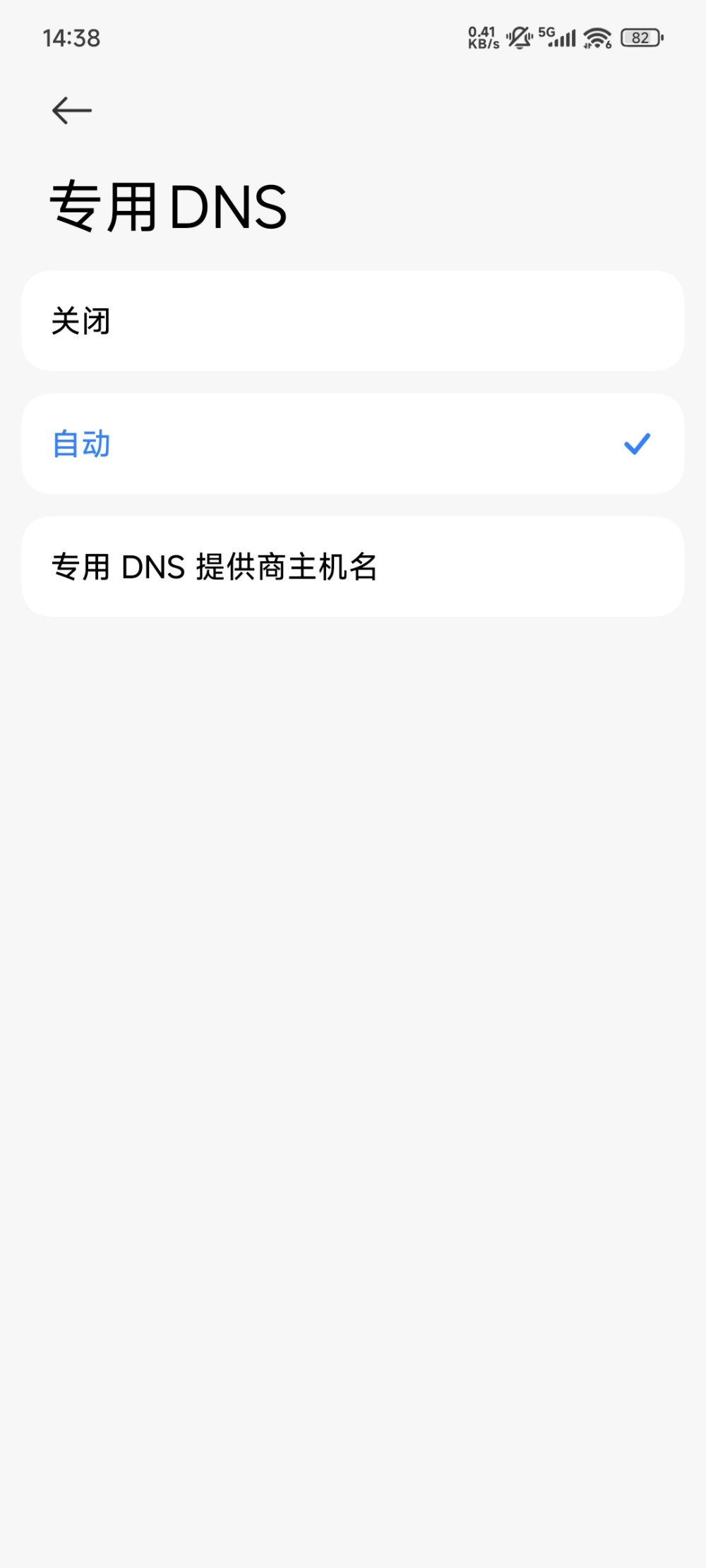
My phone’s private DNS was set for ad blocking. So if you have ad-blocking plugins enabled, ad blocking configured in your router, or are using DNS that cannot be resolved domestically, these could all cause the “System busy, please restart app or refresh page and try again” error on Douyin.