Fix Brave Browser Translation Not Working - Cannot Translate This Page - Translation Inaccessible
Brave is a free and open-source browser based on the Chromium browser and its Blink rendering engine, co-founded by Brendan Eich, the co-founder of the Mozilla project and creator of JavaScript. It was first released in 2016, aiming to provide a faster, more private, and more secure web browsing experience. Compared to other mainstream browsers, Brave has some unique features and capabilities:
Privacy Protection: Brave is committed to protecting user privacy. It has ad blockers and tracker blocking enabled by default, giving users better control over their personal information online.
Ad Replacement: Brave offers a feature called Brave Rewards, which allows users to opt-in to receive privacy-friendly ads based on their browsing habits and earn BAT (Basic Attention Token) tokens as rewards.
Performance Optimization: Brave improves browsing speed by blocking a large number of ads and trackers when loading pages. Additionally, it employs a feature called Brave Shields that prevents most third-party scripts from loading on websites, thereby reducing page load times.
I’ve been using Brave browser recently and found that Brave’s translation feature doesn’t work in China because the translation API interface address is inaccessible, making it impossible to translate full page content.
Selected content can be translated to Chinese
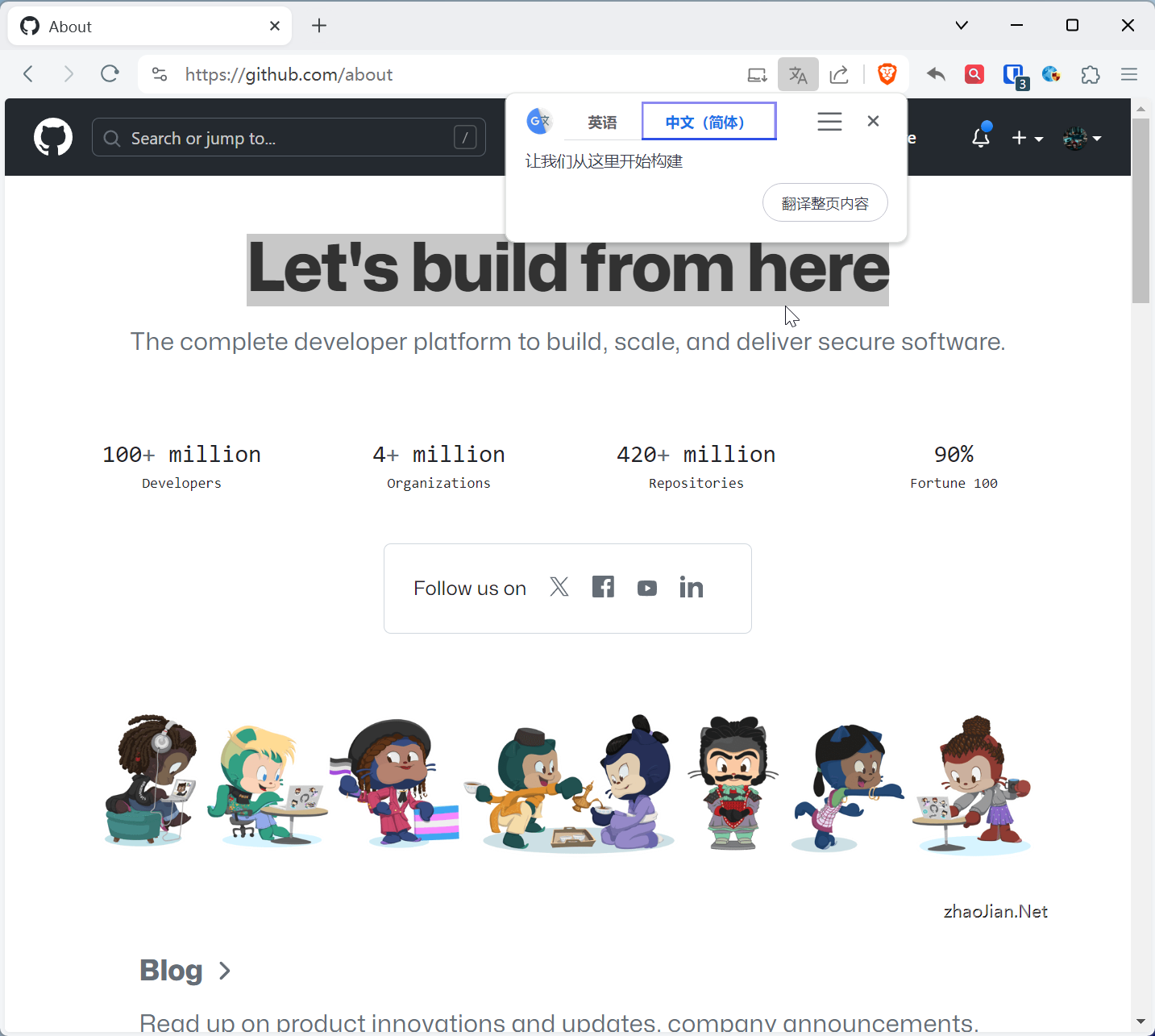
But full page translation doesn’t work, cannot translate this page
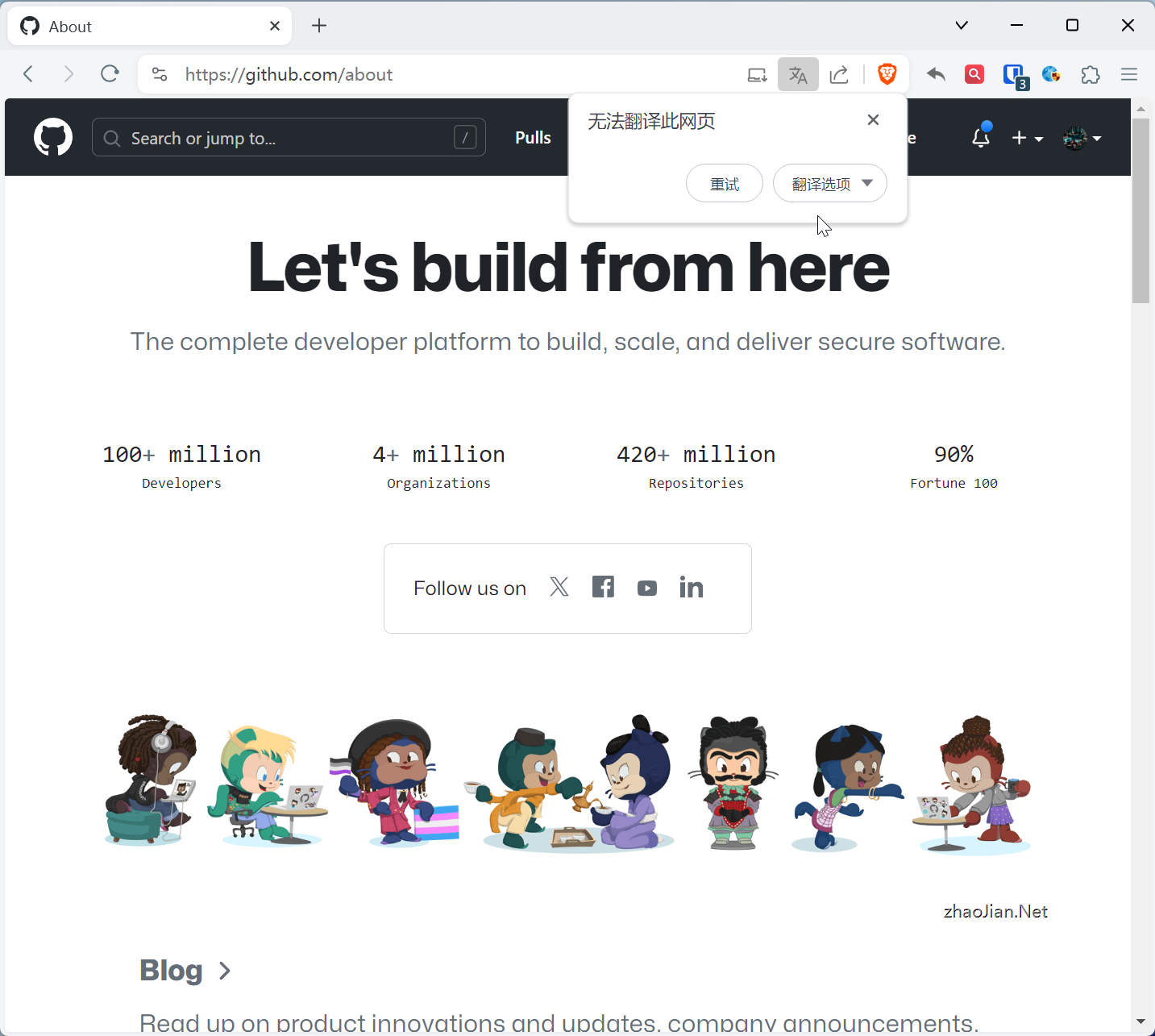
Since Brave is also a Chromium-based browser, I first thought it might be similar to Google Chrome, where the inability to access Google Translate also caused Brave’s translation to be inaccessible. I tried both browser proxy rules and modifying the hosts file, but neither solution worked.
After searching online, I discovered that Brave’s translation is actually self-built in partnership with Lingvanex, but I did see Google Translate API addresses in Brave browser’s GitHub code: translate.googleapis.com, so I might have been looking at the wrong place.
By capturing packets during full page translation, I found that Brave’s translation API interface address is: translate.brave.com. Then by scanning translate.brave.com, I obtained an IP address that’s accessible in China.
Finally, by modifying the hosts file, I restored Brave browser’s translation function.
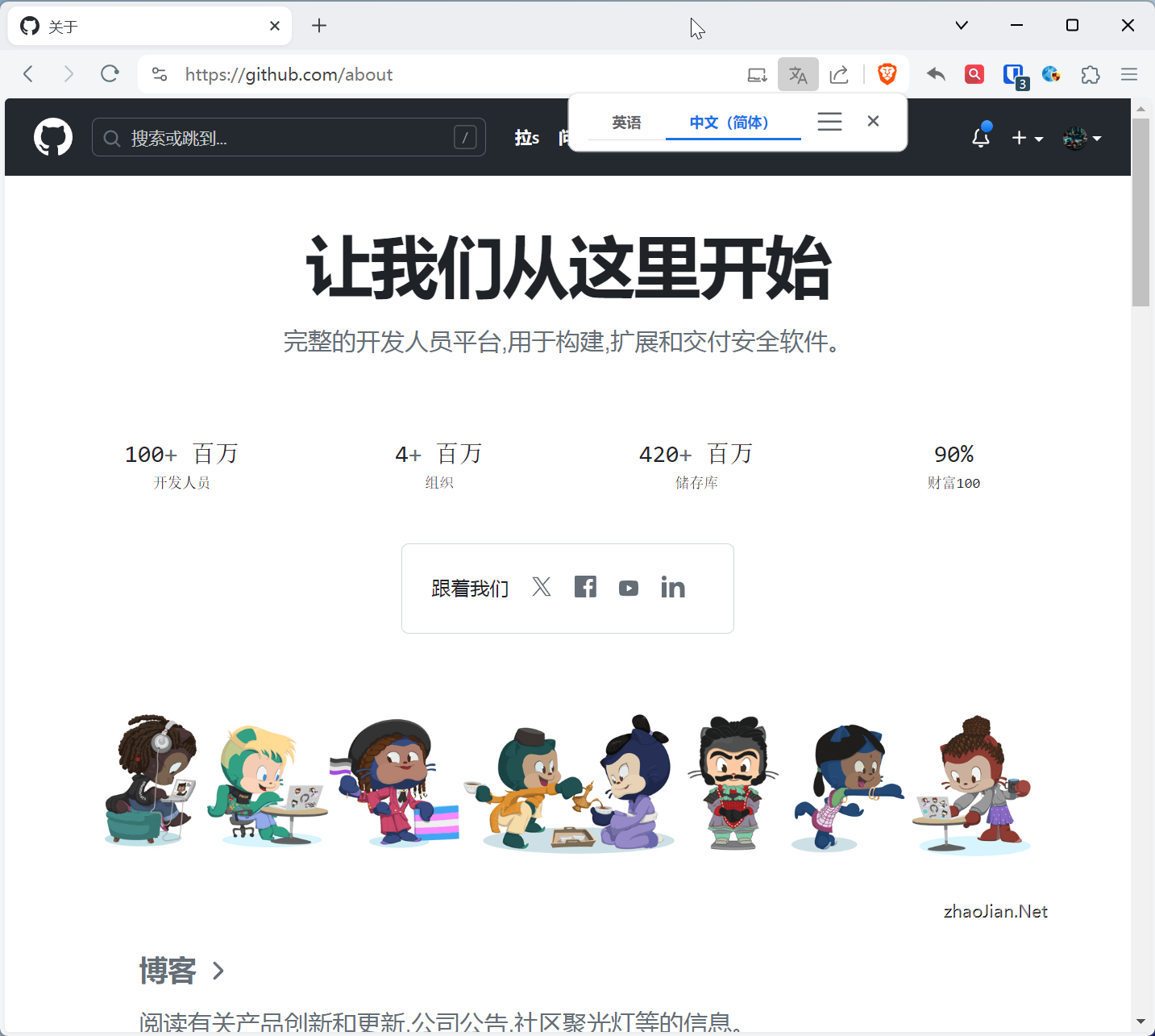
Method:
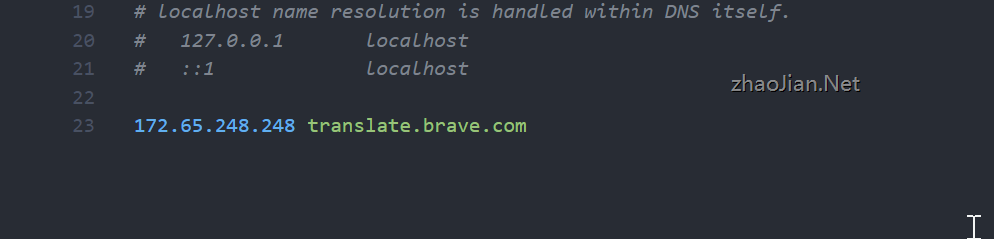
Taking Windows as an example, find the hosts file in the C:\Windows\System32\drivers\etc\ directory, edit it with administrator privileges, and add the following content at the bottom.
172.65.248.248 translate.brave.comAfter saving, you can use Brave browser’s translation function normally in China.
As shown:
If it still doesn’t work, try restarting the browser or flushing the DNS cache.
Method:
Open Windows Terminal/CMD/PowerShell and execute the following command.
ipconfig /flushdns