VMware Official Website Download Without Login - VMware Workstation Pro and Player Direct Download Links
2026-01-30 Update:
It seems Broadcom discovered the previous method. Broadcom has now removed some services from this address, making it impossible to download VMware Workstation Pro through this method anymore. However, by searching the Internet Archive (https://web.archive.org/), I found that you can still download VMware Workstation Pro 17.6.3 and earlier versions through the Internet Archive. For versions after VMware Workstation Pro 17.6.3, you can only download after logging in. However, Workstation and Fusion are now completely free for personal use, so you can register an account and try logging in.
VMware Workstation Pro 17.6.3 and earlier versions download address:
https://web.archive.org/web/20250311044232/https://softwareupdate.vmware.com/cds/vmw-desktop/ws/
After VMware was acquired by Broadcom at a huge cost, the previous perpetual license model was changed to a subscription model. Starting from VMware Workstation Pro version 16.2.3, perpetual license versions are no longer offered, only subscription versions.
Downloading from the official website requires login. There used to be links that bypassed login, but now the official website links can no longer achieve login-free downloads.
However, you can achieve login-free download by downloading the upgrade package. The only extra step is that you need to unzip after downloading locally. Below are the download links for all versions from VMware’s official website.
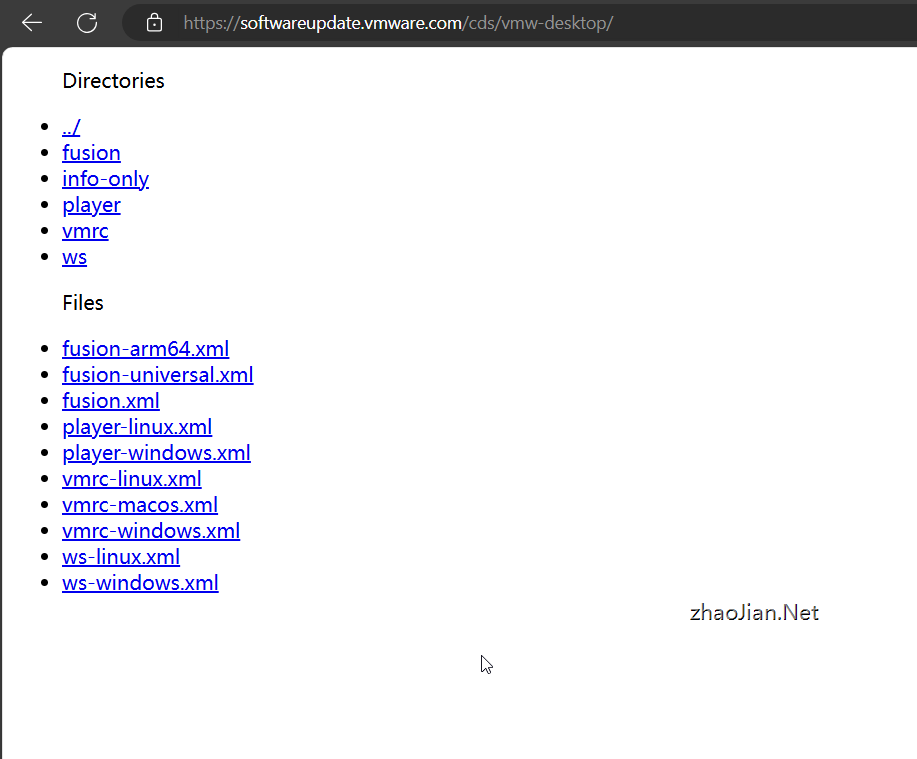
VMware official website login-free download address, VMware Workstation Pro download address, VMware Workstation Player download link - click or copy to browser to open directly.
https://softwareupdate.vmware.com/cds/vmw-desktop/