Dr.Web Antivirus Blocks Docker Service Network Connection on Linux
People say Linux doesn’t need antivirus software, but I have actually detected viruses using Dr.Web, so regardless of whether it’s needed, it’s better to have one installed.
Dr.Web Desktop Security Suite is currently the only antivirus software I’ve found that can run on Linux desktop systems after my research and testing. It can be upgraded for free using a trial key. The trial key for Linux version hasn’t been updated for a while, but you can use trial keys from Windows or other versions. There was a license restriction some time ago preventing the use of Windows version trial keys, but now it works normally again.
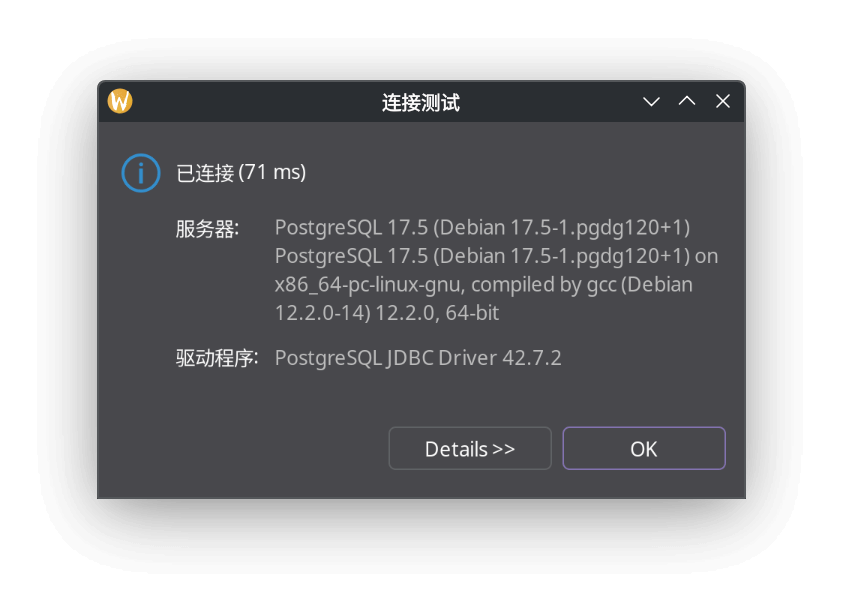
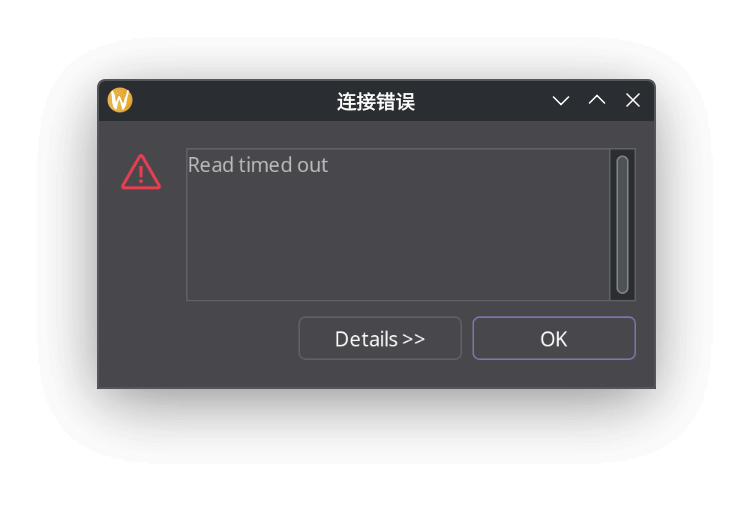
Recently, while testing interconnection between multiple Docker services, I found they couldn’t communicate with each other - network connections failed, and the host couldn’t connect to Docker services either. After exhausting troubleshooting, I couldn’t find the cause. After stepping into various traps, I finally discovered that Dr.Web’s SpIDer Gate module was blocking docker-proxy. I wanted to note this down, but forgot when I switched systems. Encountered the same issue again today, so I’m documenting it.
PostgreSQL Docker service couldn’t connect
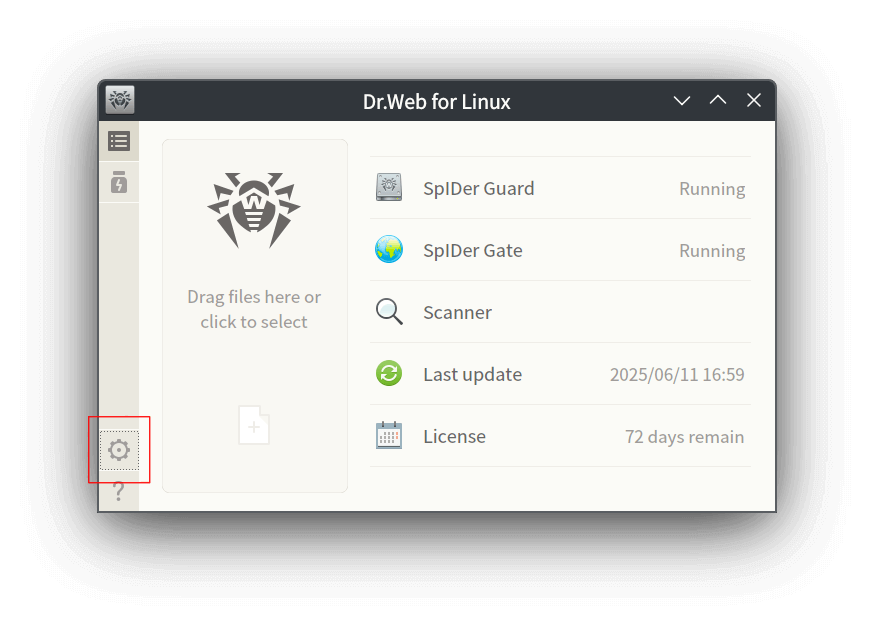
Open Dr.Web Desktop Security Suite, select “Settings”
Select “Applications” under “Exclusions”
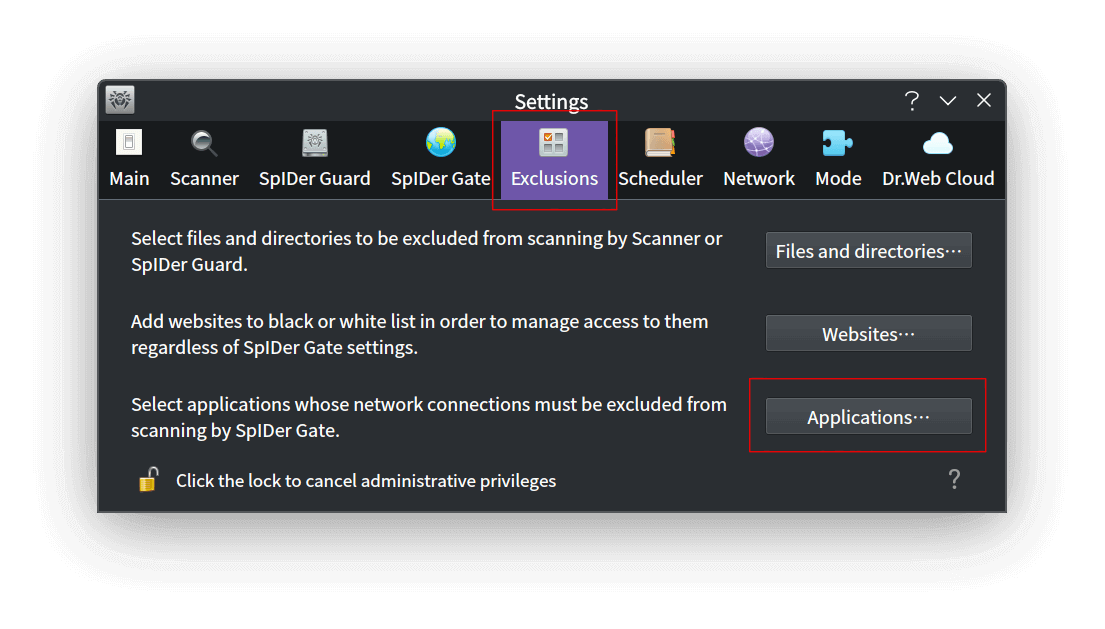
Add docker-proxy to the exclusion list
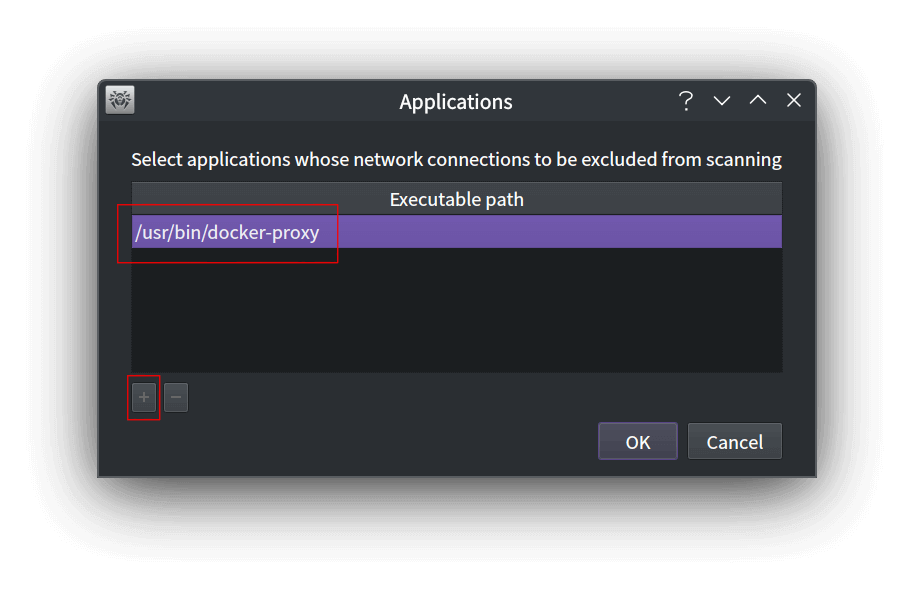
Done - now the network is connected.