IT Course HTML Basics 012_Lists and Tables
Lists
HTML lists are important elements for organizing and presenting information on web pages. By using different types of lists, you can better structure and display content.
There are three types of HTML lists:
- Unordered list: Created using the
<ul>element, with each list item represented by a<li>element. - Ordered list: Created using the
<ol>element, list items are also represented by<li>elements, but they automatically add numbers. - Definition list: Created using the
<dl>element, containing<dt>(definition term) and<dd>(definition description) elements.
Unordered List
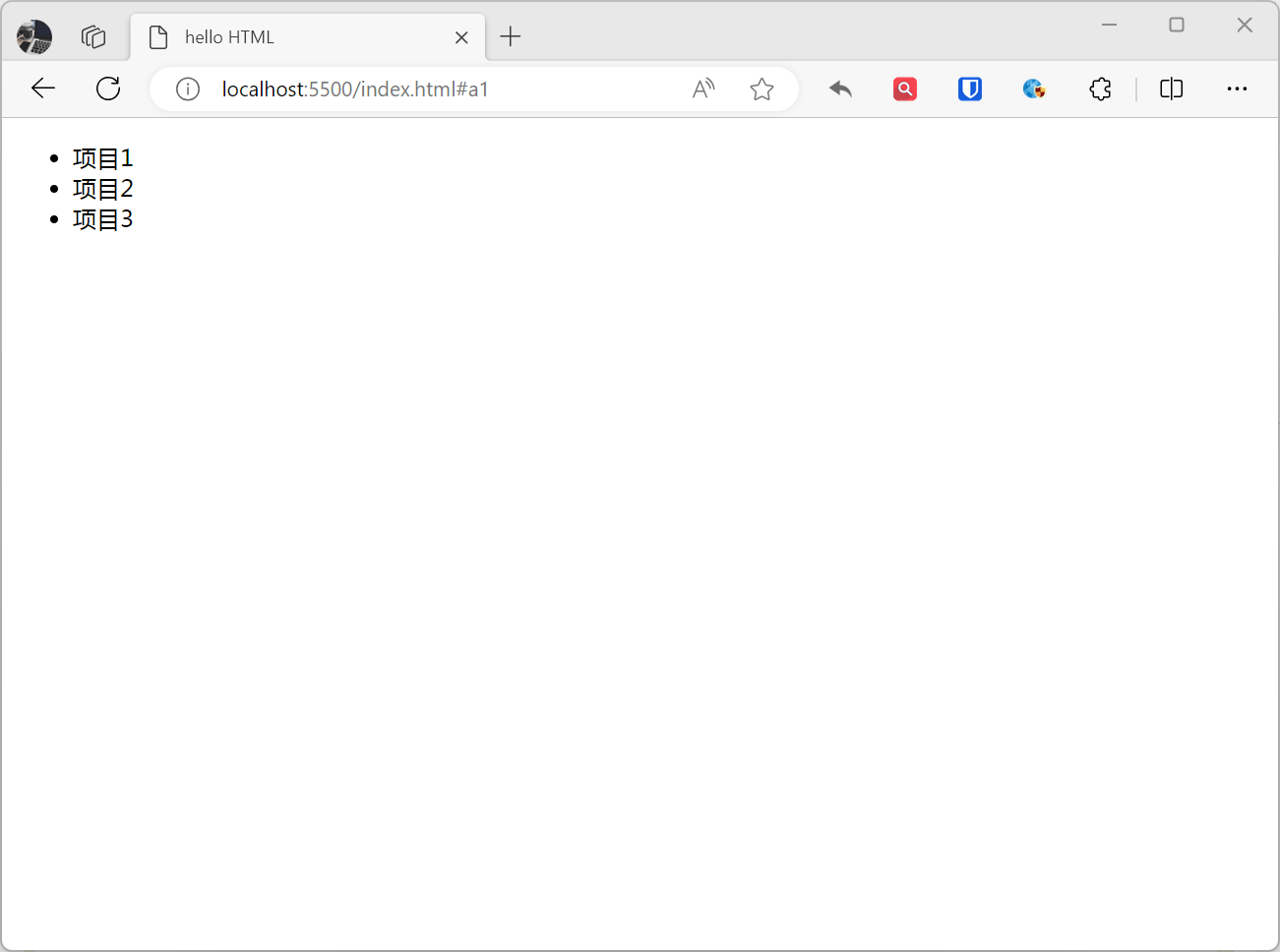
Unordered lists are the most common type of list, adding a small bullet point (also called a list marker) before each list item. It uses <ul> as the container for the list, and <li> to describe specific list items.
Example:
<ul> <li>Item 1</li> <li>Item 2</li> <li>Item 3</li></ul>Effect:
Ordered List
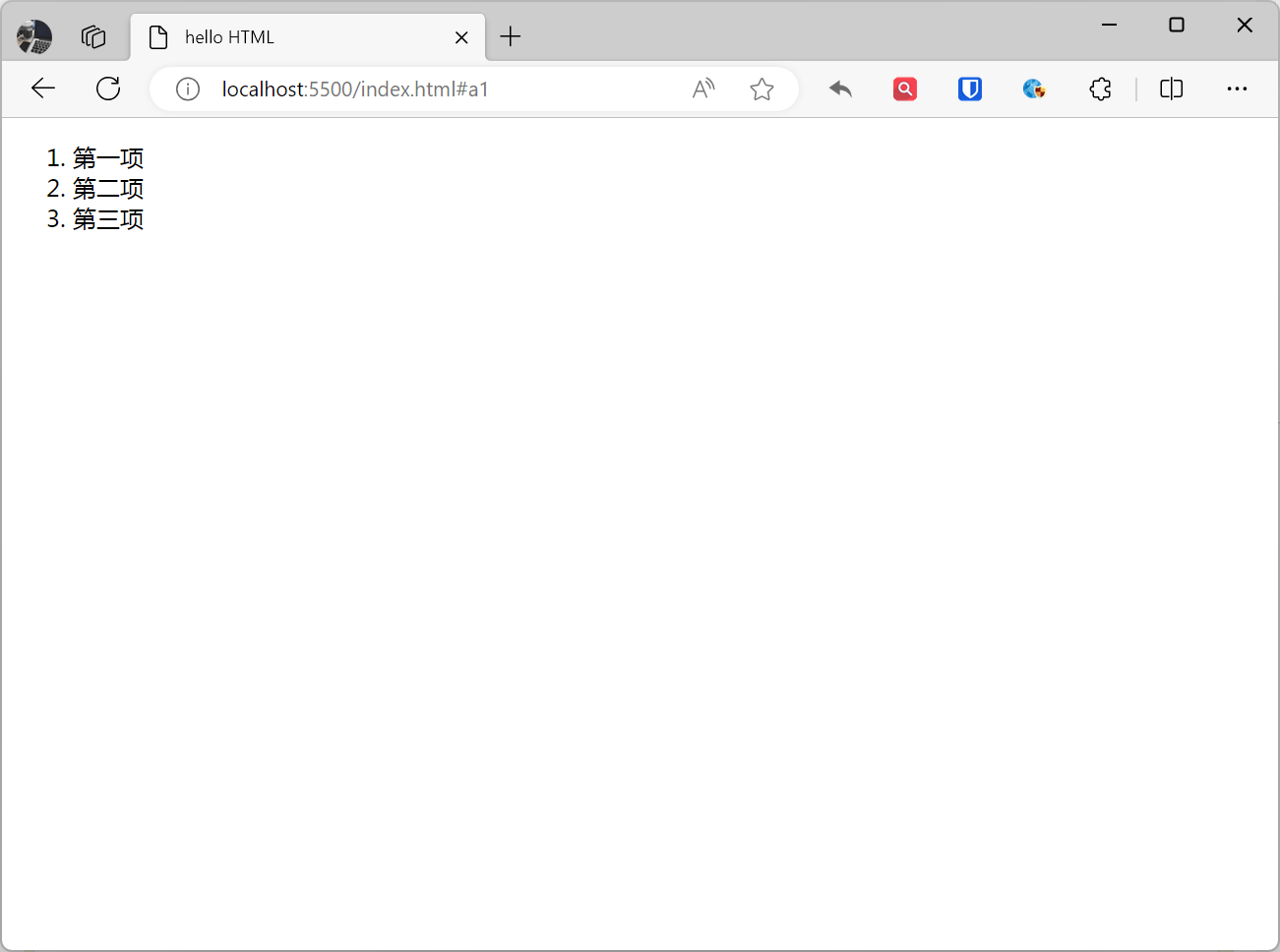
Compared to unordered lists, each item in an ordered list is marked with a number. Ordered lists use <ol> as the container, and similarly use <li> to describe specific list items.
Example:
<ol> <li>First item</li> <li>Second item</li> <li>Third item</li></ol>Effect:
Definition List
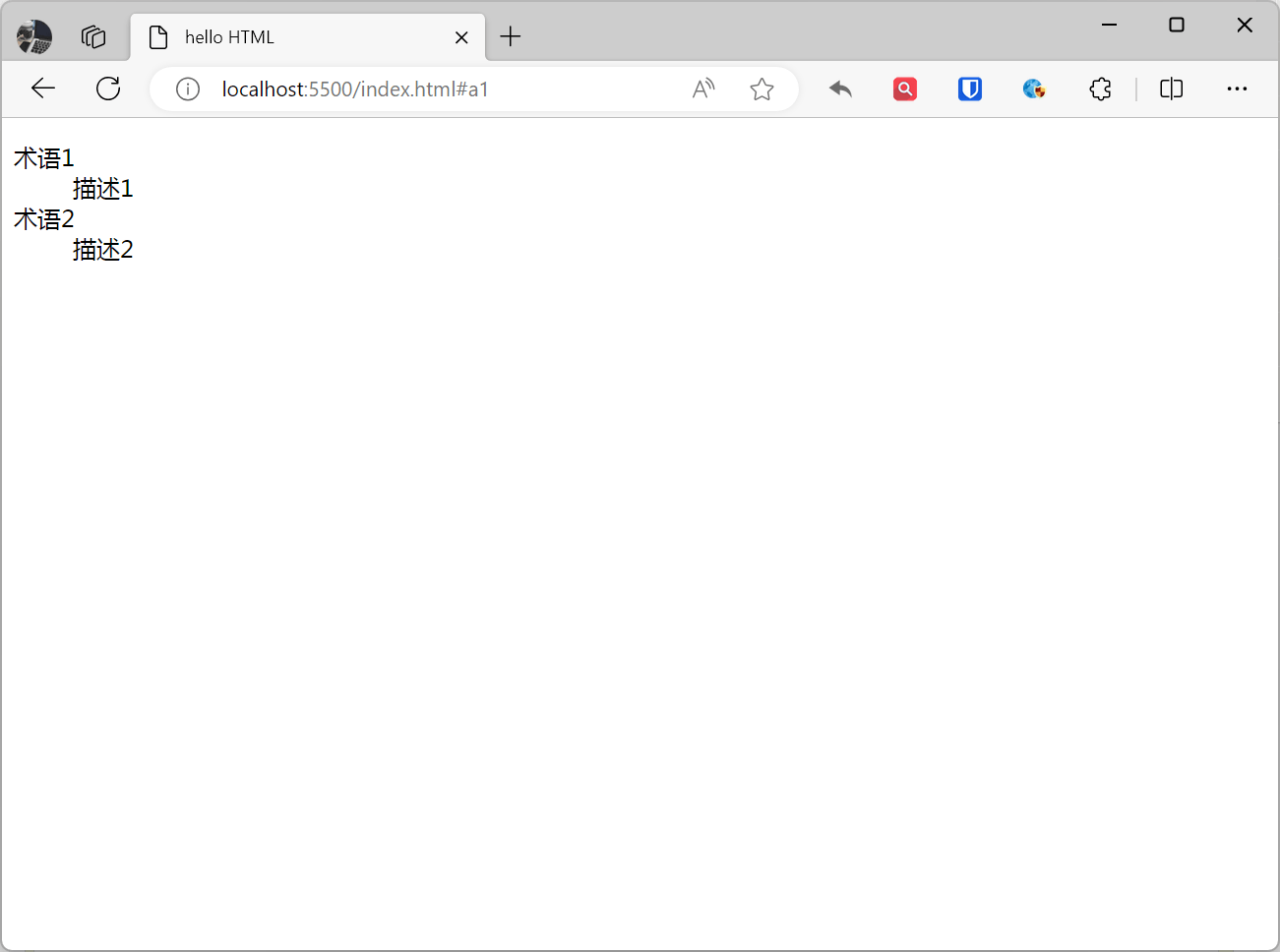
Definition lists consist of <dl> (definition list), <dt> (definition term), and <dd> (definition description) elements. Definition lists are typically used to display a set of terms and their definitions.
Example:
<dl> <dt>Term 1</dt> <dd>Description 1</dd> <dt>Term 2</dt> <dd>Description 2</dd></dl>Effect:
[!Summary]
- List items can contain paragraphs, line breaks, images, links, and other lists, etc.
Tables
HTML tables are a powerful element for displaying structured data. A basic HTML table is represented by the <table> element, which contains some key child elements such as <tr> (table row), <th> (table header cell), and <td> (table data cell).
Example:
<table> <tr> <th>Name</th> <th>Age</th> <th>Gender</th> </tr> <tr> <td>Zhang San</td> <td>20</td> <td>Male</td> </tr> <tr> <td>Li Si</td> <td>21</td> <td>Female</td> </tr></table>Effect:
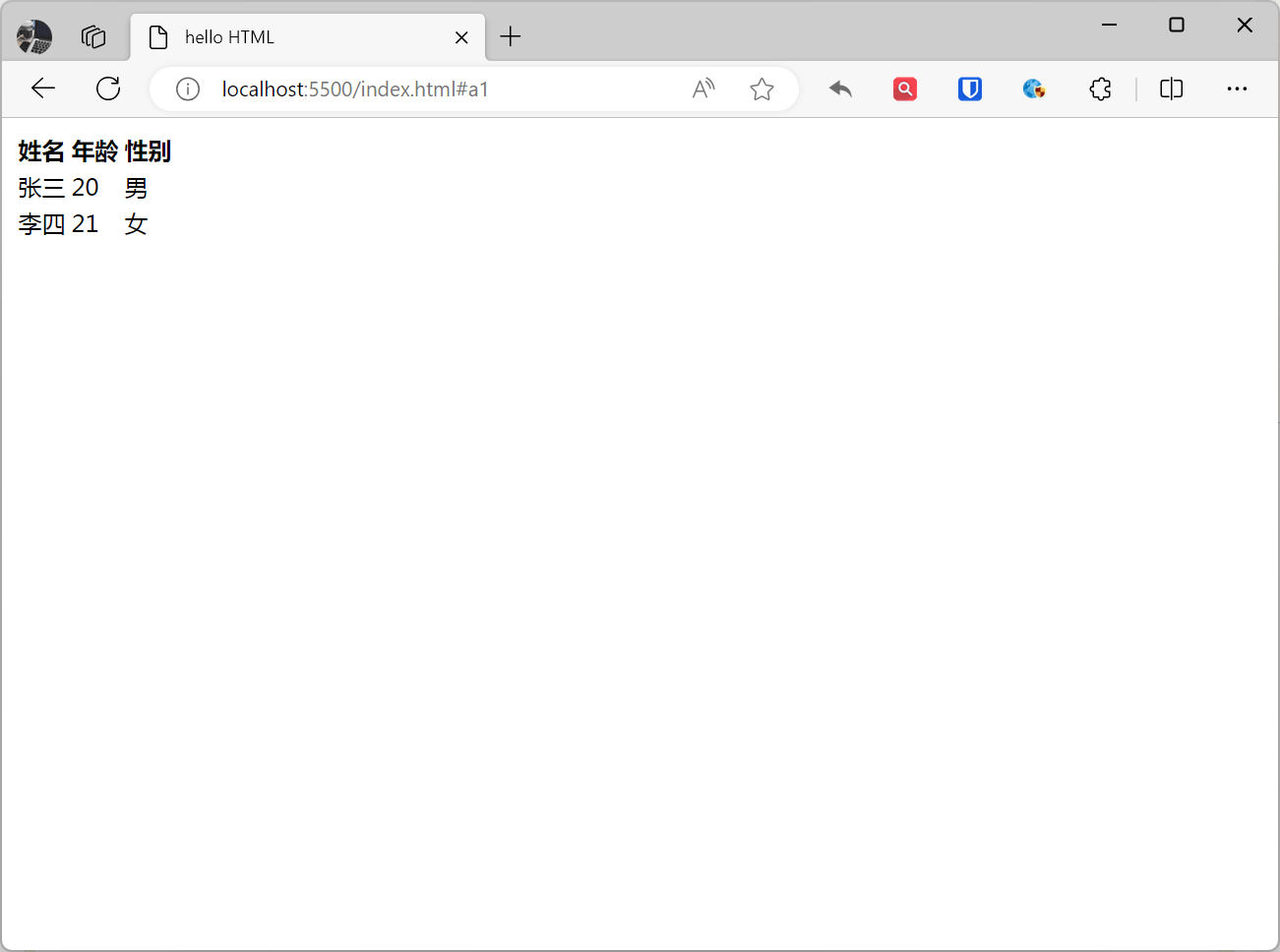
Table Elements:
<table>: Represents the entire table.<thead>: Defines the table header section, containing<th>elements to represent column headers.<tr>: Table row, containing header cells<th>.<th>: Table header cell, used to identify column headers.<tbody>: Defines the table body section, where each row contains<td>elements representing actual data.<td>: Table data cell, containing actual data.<tfoot>: Defines the table footer section, typically used for table summaries or other footer information.<caption>: Used to add a title to HTML tables, usually displayed at the top of the table.<colgroup>: Defines a group of table columns.<col>: Defines properties for table columns.
Example:
<table border="1"> <caption>This is a table title</caption> <colgroup> <col style="width: 50px; background-color: #f2f2f2;"> <col style="width: 100px; background-color: #ddd;"> <col style="width: 150px; background-color: #f2f2f2;"> </colgroup> <thead> <tr> <th>Name</th> <th>Age</th> <th>City</th> </tr> </thead> <tbody> <tr> <td>Zhang San</td> <td>25</td> <td>Beijing</td> </tr> <tr> <td>Li Si</td> <td>30</td> <td>Shanghai</td> </tr> </tbody> <tfoot> <tr> <td colspan="3">Total people: 2</td> </tr> </tfoot></table>Effect:
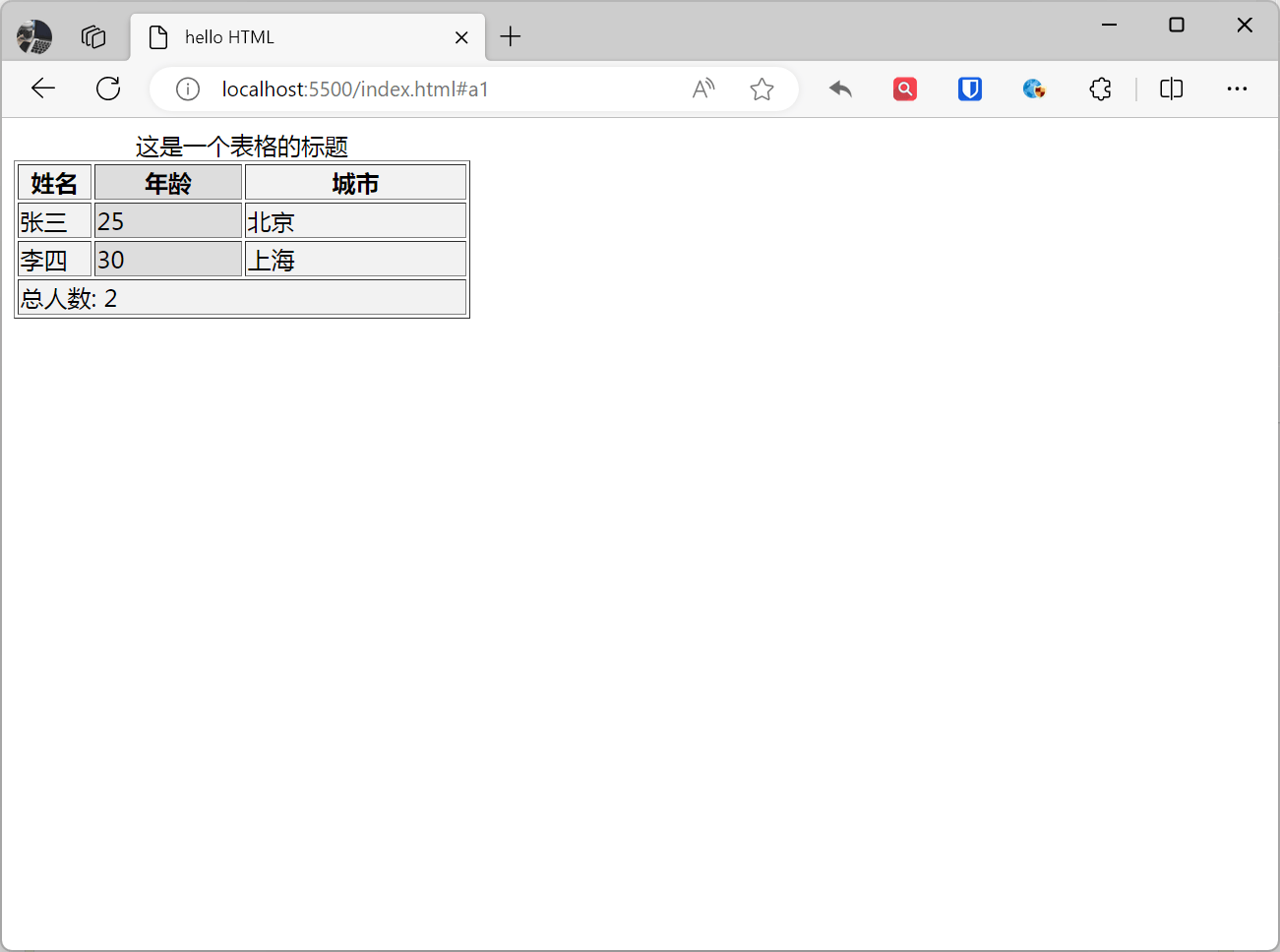
Table Attributes:
border: Specifies the table border. The value is a number representing the border width.cellpadding: Specifies the spacing between cells. The value is a number representing the spacing size.cellspacing: Specifies the spacing between cell borders. The value is a number representing the spacing size.width: Specifies the table width. The value is a number representing the width.height: Specifies the table height. The value is a number representing the height.style: Specifies the table style.
Example:
<table style="border-collapse: collapse; width: 60%; margin: 20px auto; box-shadow: 0 4px 8px rgba(0, 0, 0, 0.1);"> <caption style="font-size: 1.5em; font-weight: bold; padding: 10px; background-color: #3498db; color: #fff;">This is a beautiful table</caption> <colgroup> <col style="width: 30%;"> <col style="width: 30%;"> <col style="width: 40%;"> </colgroup> <thead> <tr> <th style="border: 1px solid #ddd; padding: 8px; text-align: left; background-color: #3498db; color: #fff;">Name</th> <th style="border: 1px solid #ddd; padding: 8px; text-align: left; background-color: #3498db; color: #fff;">Age</th> <th style="border: 1px solid #ddd; padding: 8px; text-align: left; background-color: #3498db; color: #fff;">City</th> </tr> </thead> <tbody> <tr> <td style="border: 1px solid #ddd; padding: 8px; text-align: left;">Zhang San</td> <td style="border: 1px solid #ddd; padding: 8px; text-align: left;">25</td> <td style="border: 1px solid #ddd; padding: 8px; text-align: left;">Beijing</td> </tr> <tr> <td style="border: 1px solid #ddd; padding: 8px; text-align: left;">Li Si</td> <td style="border: 1px solid #ddd; padding: 8px; text-align: left;">30</td> <td style="border: 1px solid #ddd; padding: 8px; text-align: left;">Shanghai</td> </tr> </tbody> <tfoot> <tr> <td colspan="3" style="border: 1px solid #ddd; padding: 8px; text-align: center; background-color: #3498db; color: #fff;">Total people: 2</td> </tr> </tfoot></table>Effect:
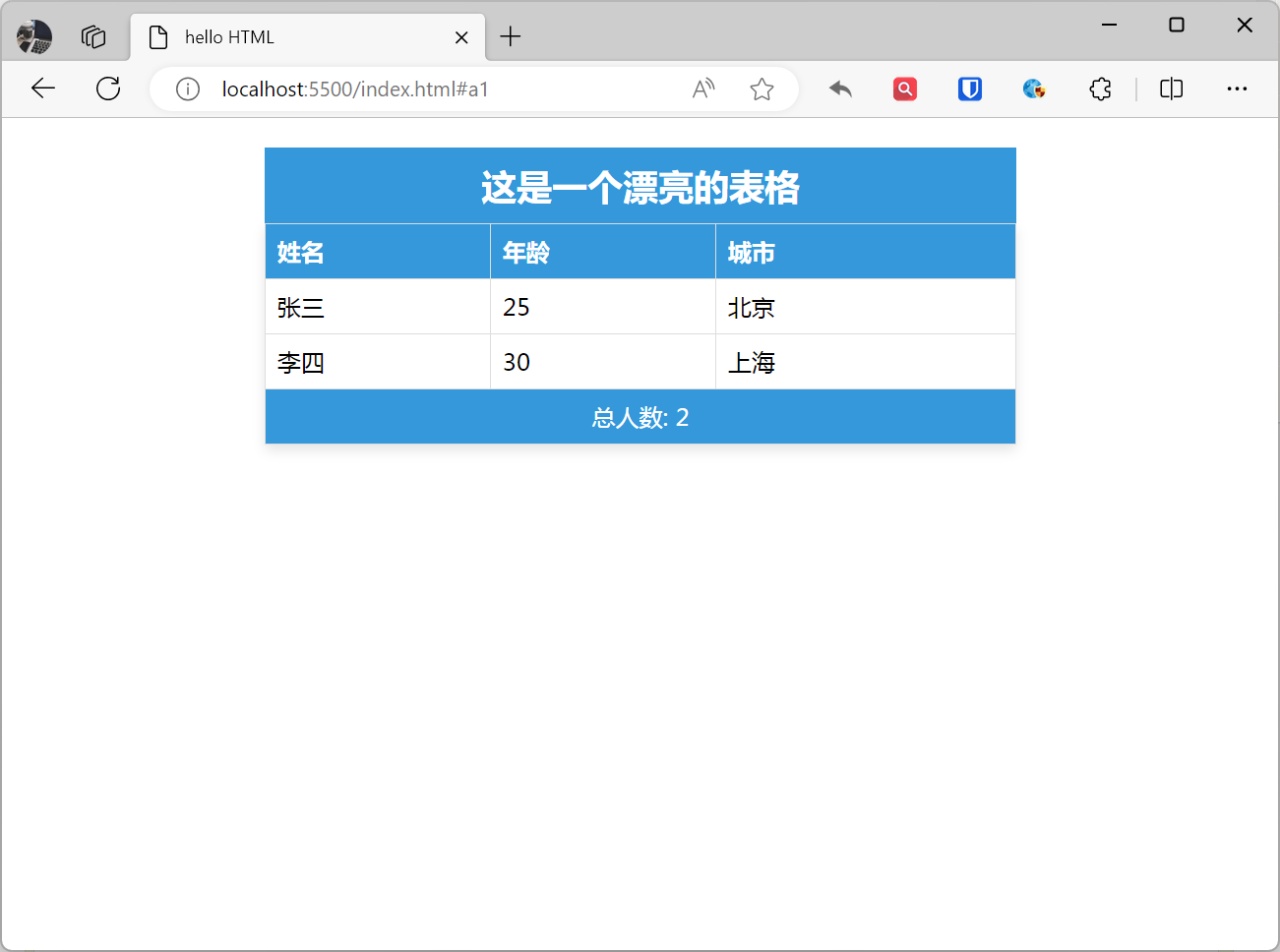
Table Merging
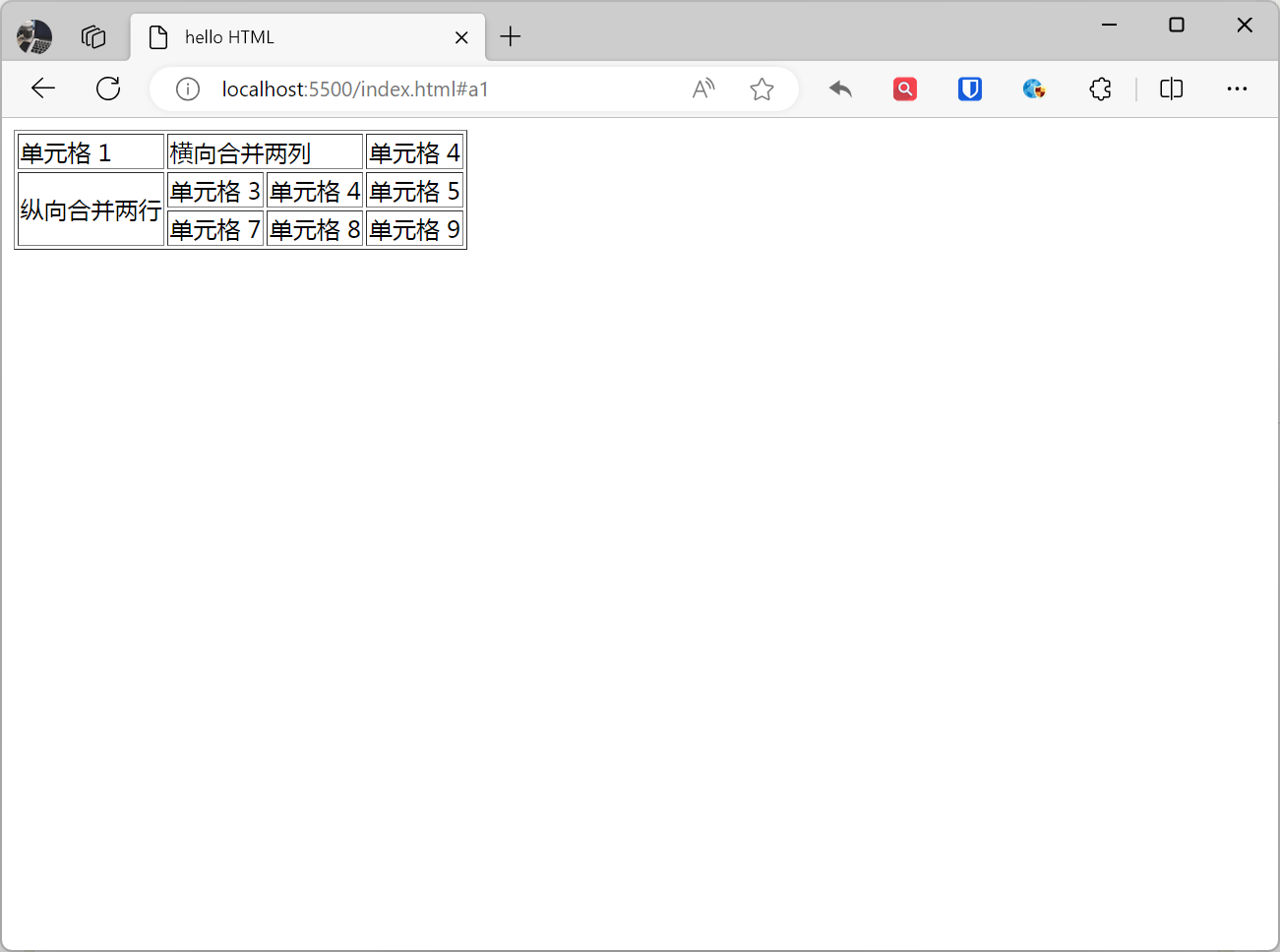
Table merging refers to combining two or more cells into one cell. Table merging can be used to simplify table layout or highlight specific data. Use the colspan attribute to specify the number of columns a cell spans, or use the rowspan attribute to specify the number of rows a cell spans. The attribute value is a number representing the number of rows/columns spanned.
Example:
<table border="1"> <tr> <td>Cell 1</td> <td colspan="2">Merge two columns horizontally</td> <td>Cell 4</td> </tr> <tr> <td rowspan="2">Merge two rows vertically</td> <td>Cell 3</td> <td>Cell 4</td> <td>Cell 5</td> </tr> <tr> <td>Cell 7</td> <td>Cell 8</td> <td>Cell 9</td> </tr></table>Effect:
[!Summary]
- Tables do not display borders by default.
<tr>is short for table row, representing a row in the table.<td>: td is short for table data, representing a table data cell.<th>: th is short for table header, representing a table header cell.- Most browsers display table headers as bold, centered text.
- Tables can contain text, images, lists, paragraphs, forms, horizontal rules, other tables, etc.