IT Course HTML Basics 011_Text
HTML provides a wide range of text tags for us to use when creating web pages. These tags help us better organize and format our text content. Here are some commonly used HTML text tags.
Headings
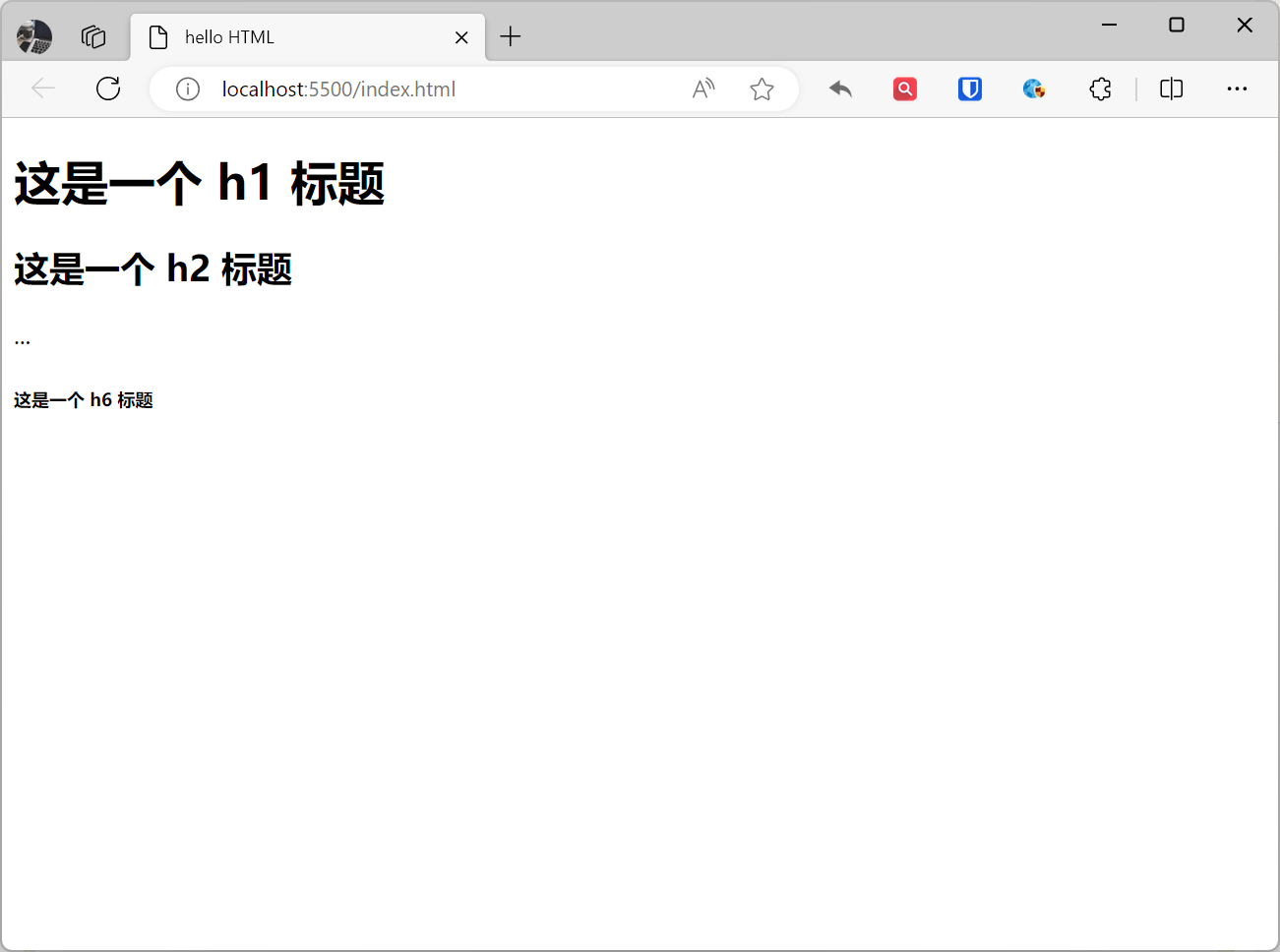
Heading elements are used to define the title or subtitle of an HTML document, typically representing the hierarchy of the document structure. There are six levels of heading elements, from h1 to h6, with higher levels indicating greater importance.
Example:
<h1>This is an h1 heading</h1><h2>This is an h2 heading</h2>...<h6>This is an h6 heading</h6>Effect:
[!Summary]
- Make sure heading elements are used only for headings, not just for bold or large font purposes.
- Search engines use headings to index the structure and content of your web page.
- Proper use of heading elements makes pages more readable and accessible, and benefits SEO.
- Use h1 as the only main heading (most important), followed by h2 (next most important), then h3, and so on.
Paragraphs
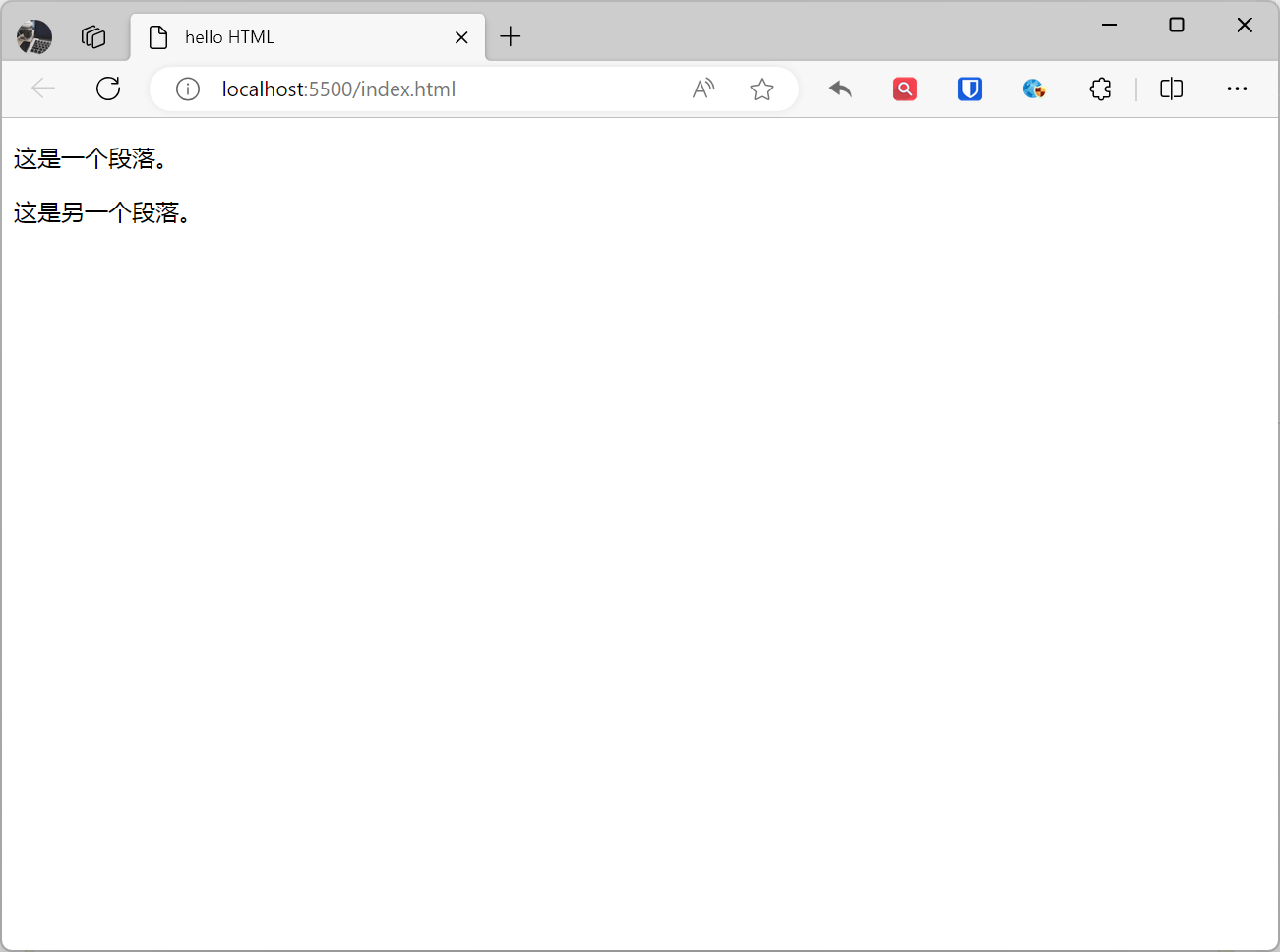
Paragraph elements are used to define the paragraph structure of text, making text more organized and readable. They add line breaks before and after content, grouping text into separate sections with clear distinctions between paragraphs. The paragraph element mainly includes the <p> tag, which represents a paragraph.
Example:
<p>This is a paragraph.</p><p>This is another paragraph.</p>Effect:
[!Summary]
- An HTML document can contain multiple paragraphs
- Browsers automatically add blank lines before and after paragraphs
- Don’t forget the closing tag (even if forgotten, most browsers will display correctly)
- If you don’t like the blank lines added by paragraph elements and want to reduce line spacing, use the
<br>tag- By default, the number of characters displayed in a line in a paragraph element is determined by the screen width
Hyperlinks
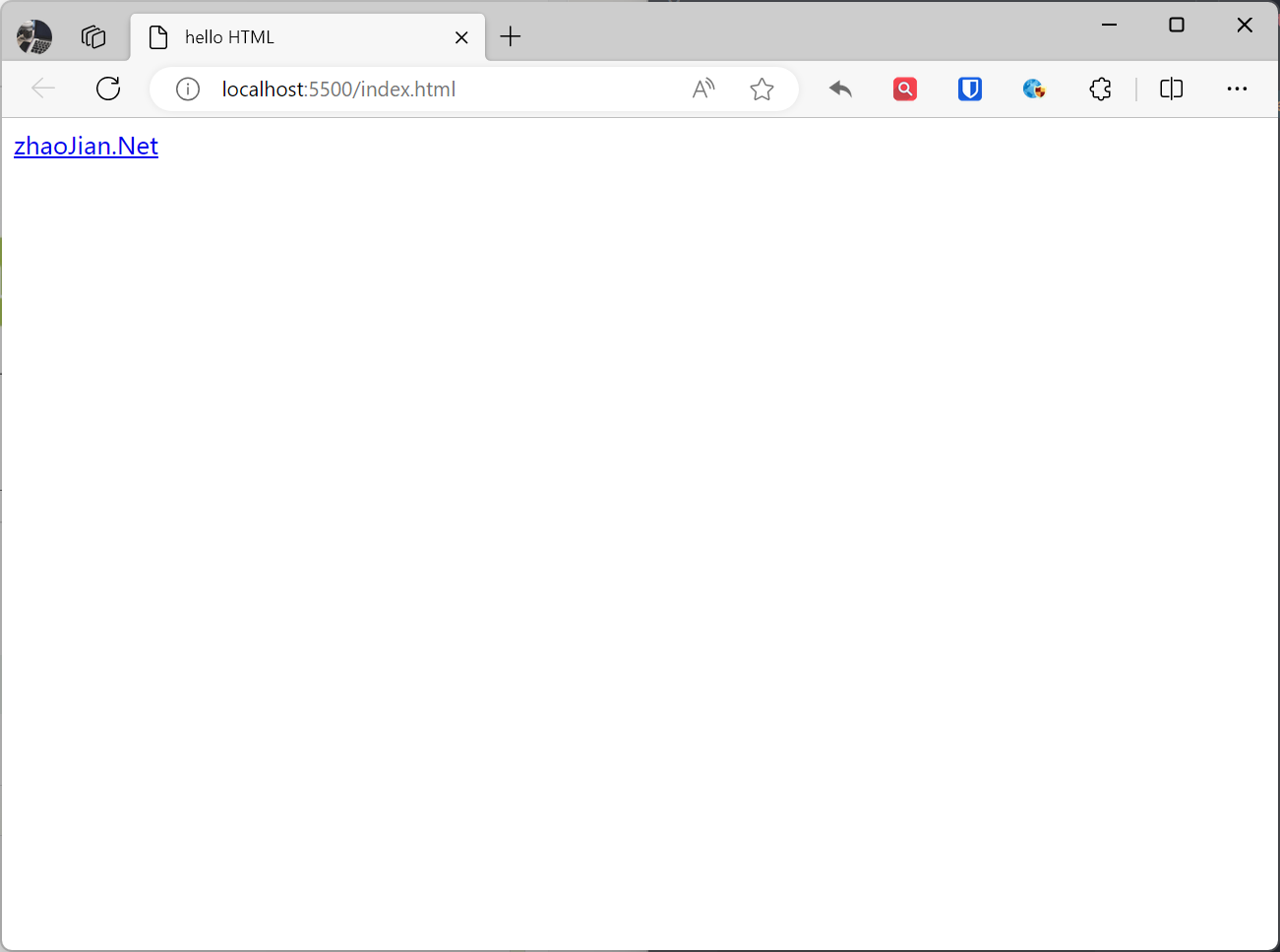
The <a> element is used to define hyperlinks, allowing users to click on links and navigate to other pages or resources. The <a> tag usually contains some text or images, which become the clickable part of the link. We use the href attribute of the <a> tag to specify the target address of the link. Hyperlinks are a fundamental feature of HTML, which can link to other parts of a web page, or to other web pages, or even other websites.
Example:
<a href="https://www.zhaojian.net">zhaoJian.Net</a>Effect:
Hyperlink Attributes
href: Specifies the URL of the link target, this is the most important attribute of a link. It can be the URL of another web page, a file URL, or the URL of other resources.target(optional): Specifies how the link opens in the browser. Common values include_blank(open link in a new tab or window) and_self(open link in current tab or window, default).title(optional): Provides text information about the link, usually displayed when hovering over the link.rel(optional): Specifies the relationship with the link target, such asnofollow,noopener,noreferrer, etc.class: Specifies the CSS class of the link.id: Specifies the CSS ID of the link.
Anchor Links
In a long web page, we may want to create links to specific parts within the page. This can be achieved through anchor links. First, we need to use the name or id attribute of the <a> tag to mark the target location, then use # plus the target’s name or id value in the link’s href attribute to create the link.
Example:
<a href="#a1">Jump to a1</a><!-- Content sufficient to scroll the page or <br> omitted here --><a name="a1">Some content</a>Effect:

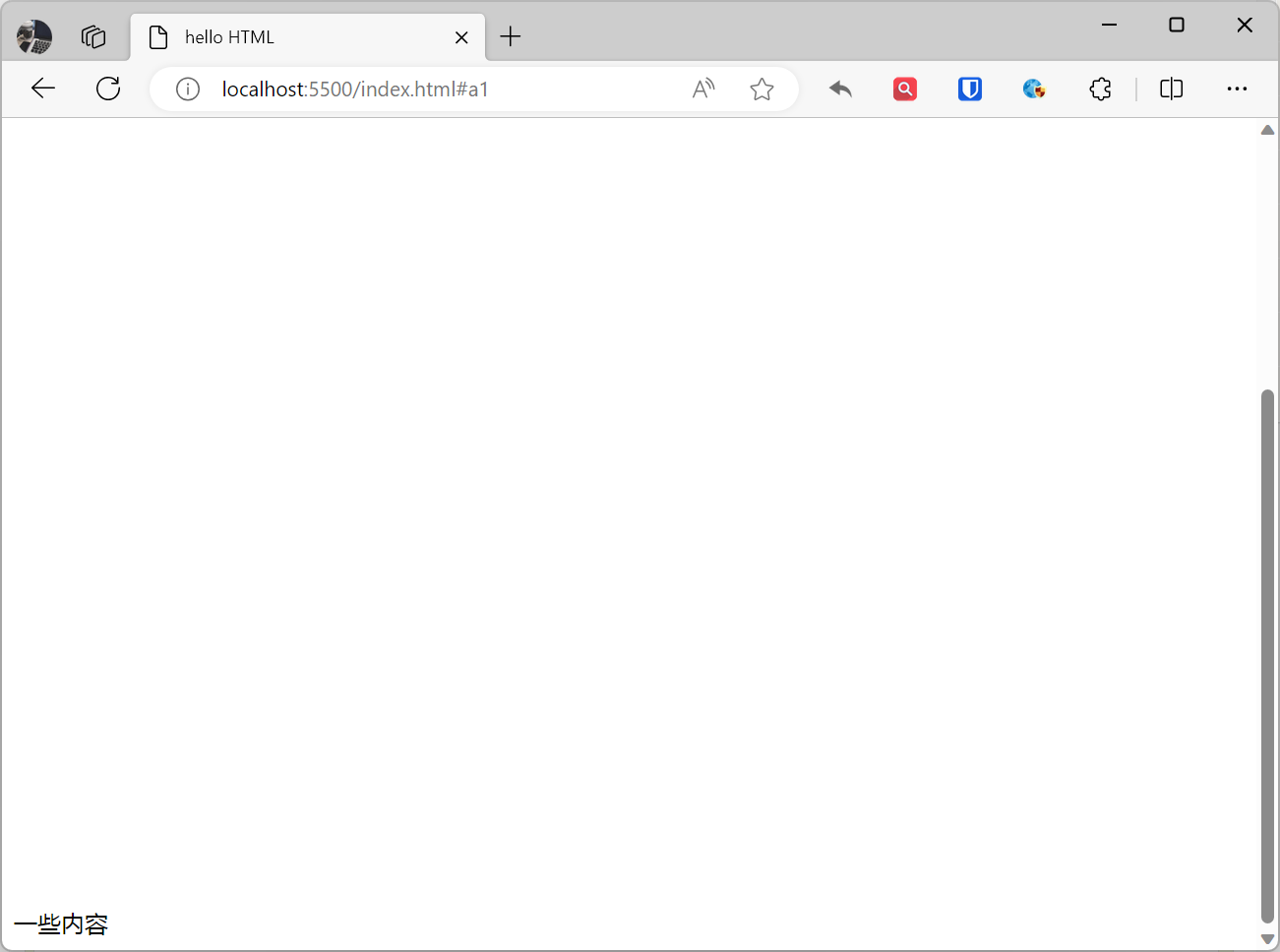
After clicking the hyperlink “Jump to a1”, the page will scroll to the “a1 content” section.
Email Links
In addition to linking to other web pages, the <a> tag can also link to email addresses. By adding mailto: before the href attribute value, you can create a link that, when clicked, launches the user’s default email client and creates a new email.
Example:
<a href="mailto:757118@qq.com">Send email to 757118@qq.com</a>Effect:
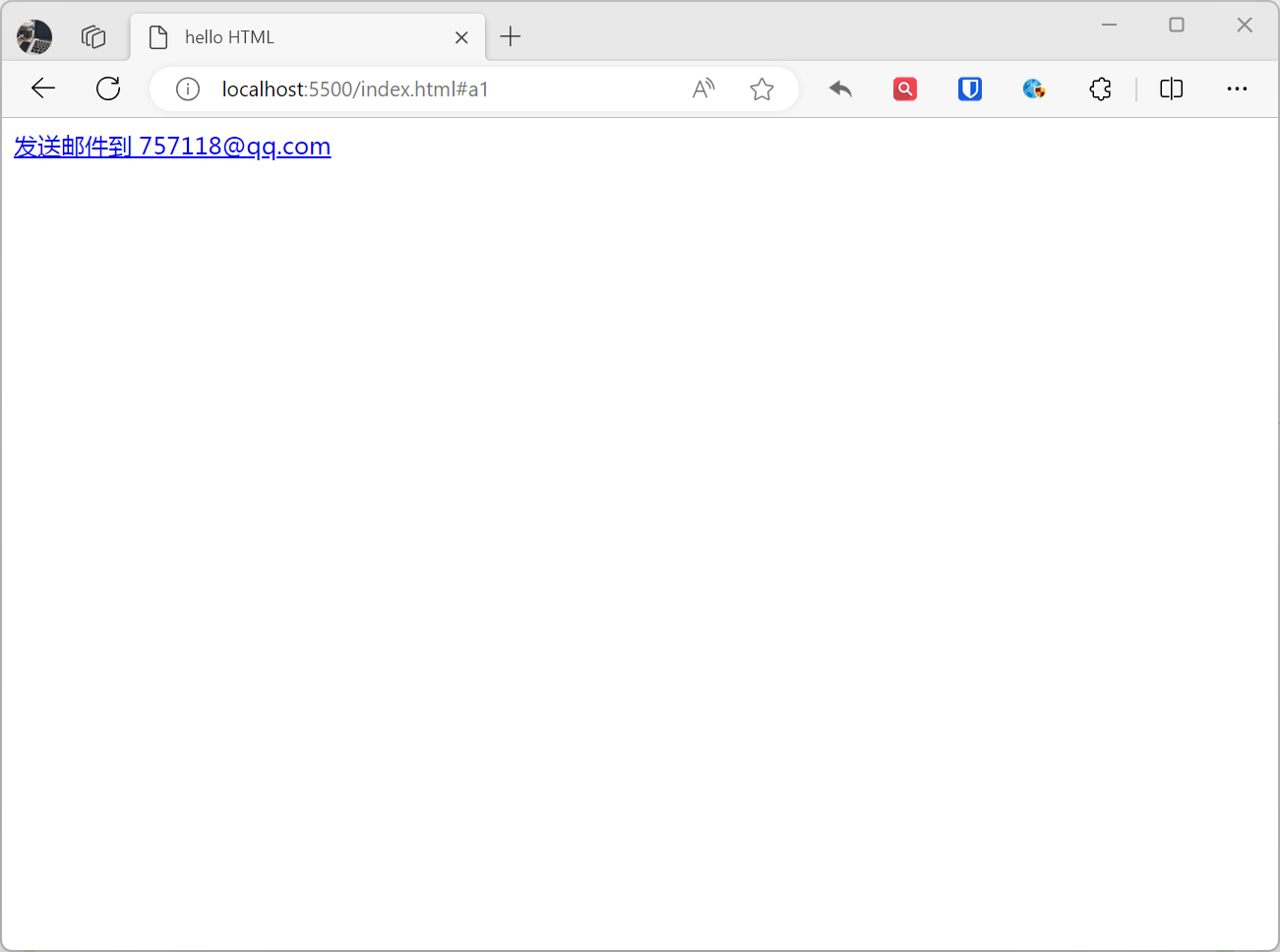
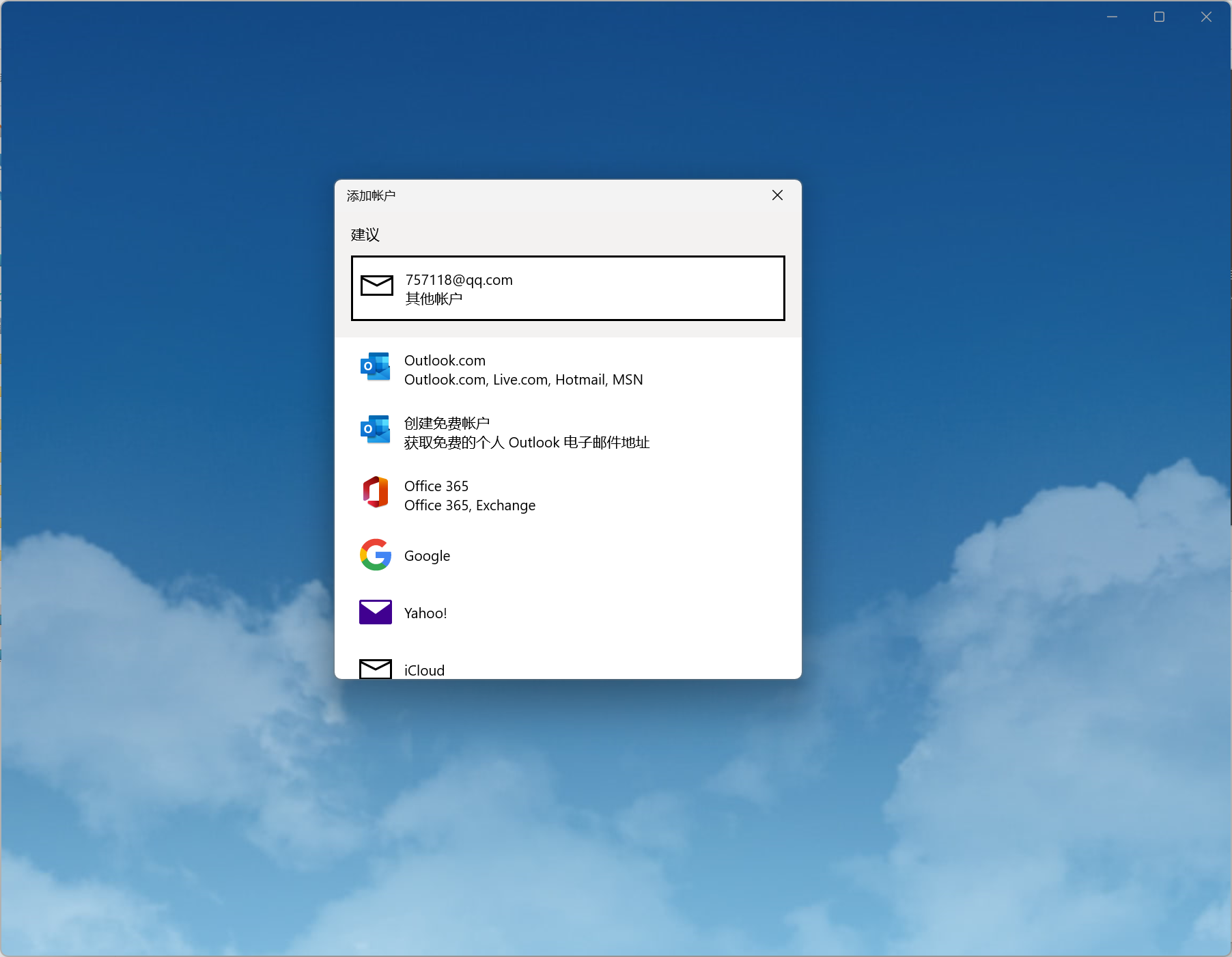
Clicking this hyperlink will launch the default email client and create a new email to 757118@qq.com.
[!Summary]
- When you move the mouse pointer over a link on a web page, the arrow changes to a small hand.
- Hyperlinks don’t have to be text, images or other HTML elements can also be links.
- By default, links appear in browsers as follows: An unvisited link is displayed in blue with an underline. A visited link is displayed in purple with an underline. An active link is displayed in red with an underline.
Line Break
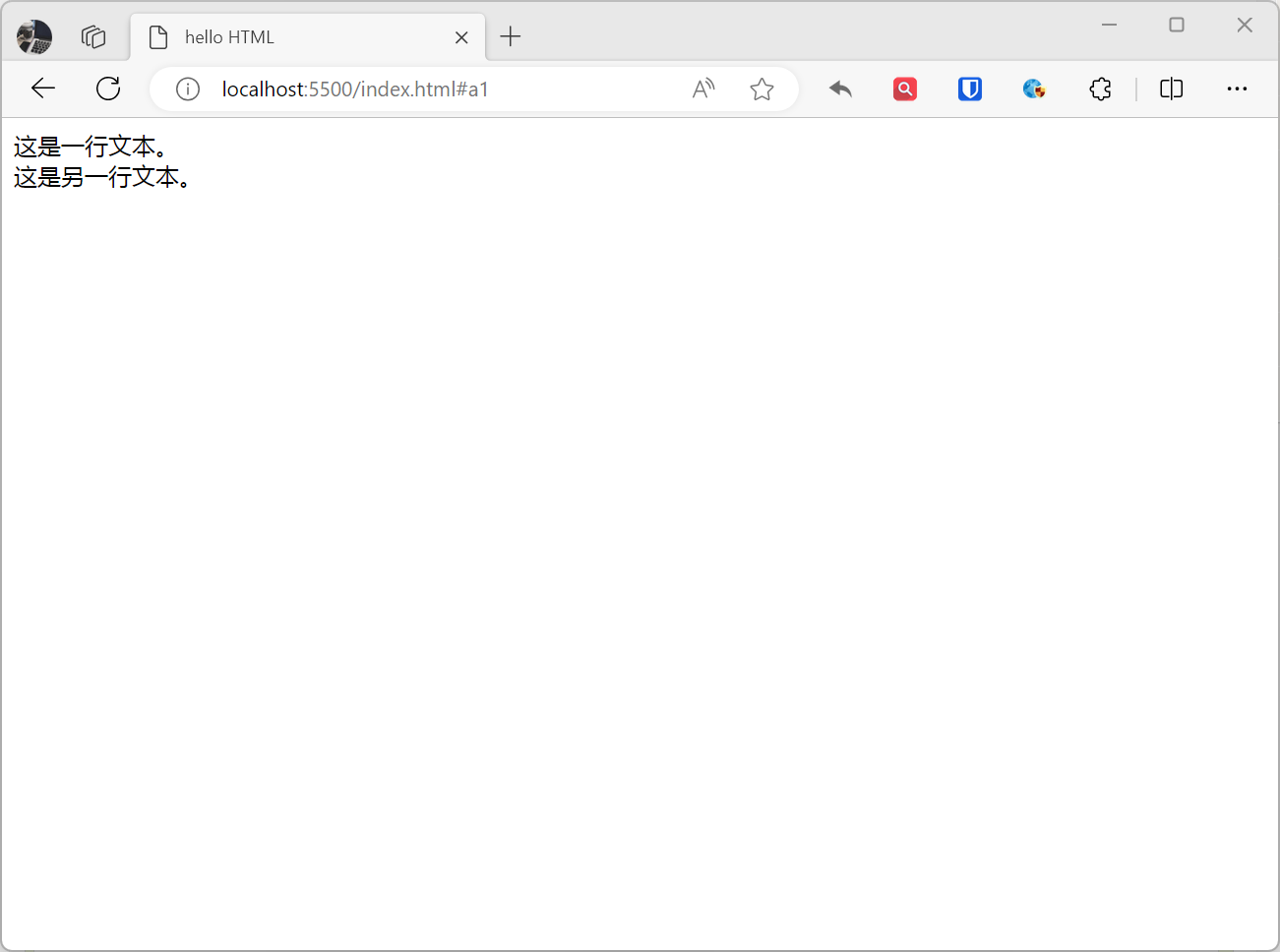
The line break element <br> is used to insert a line break in text, forcing the text to continue on a new line.
Example:
This is one line of text.<br>This is another line of text.Effect:
[!Summary]
- The slash / in the
<br>tag is optional. In HTML 4, the<br />tag must contain a slash; In HTML 5, the slash is optional.
Bold
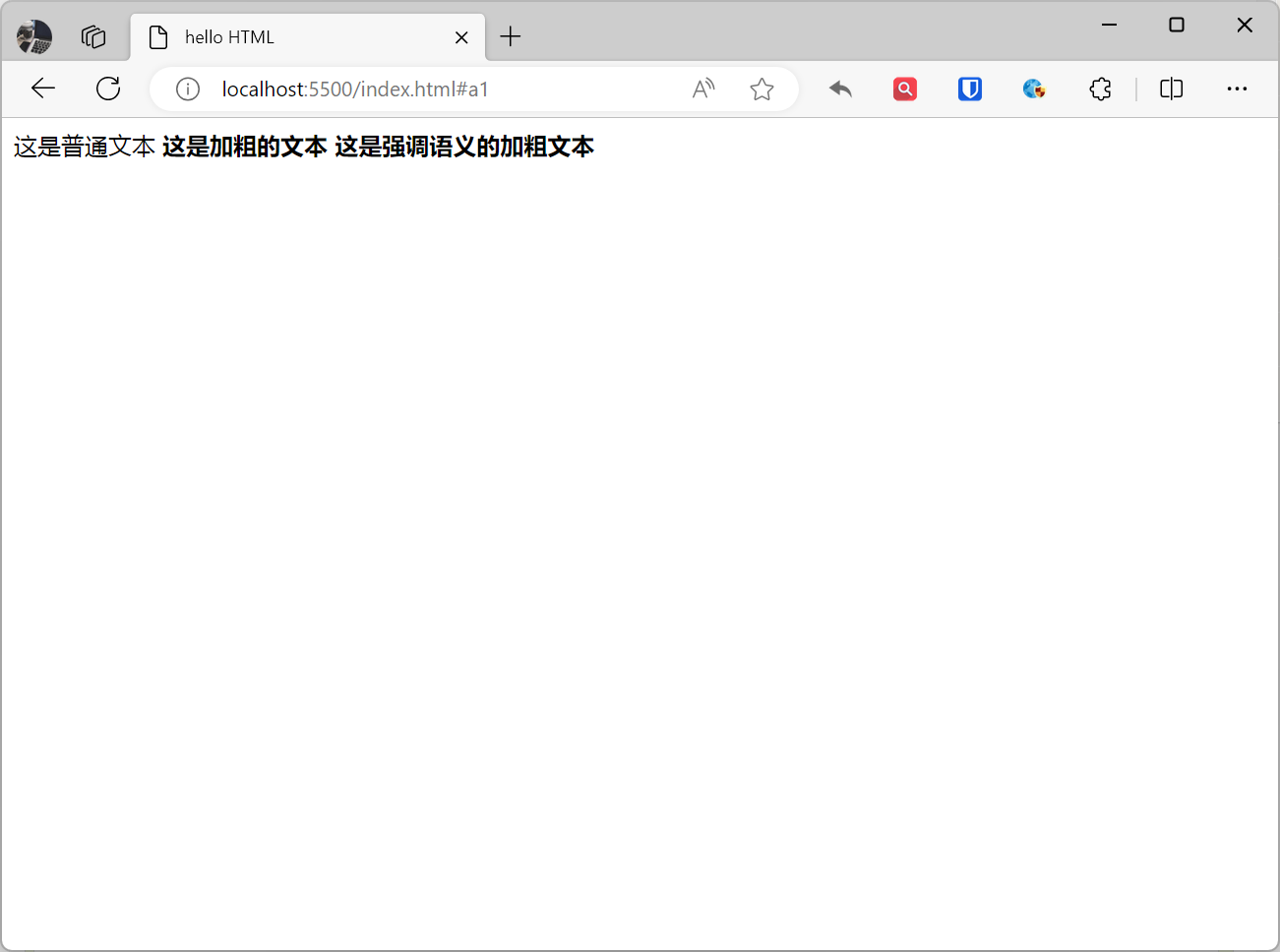
The <b> element is a basic text style tag used to make text bold, but without semantic emphasis. The <strong> element is a semantic tag used to indicate text emphasis, typically displayed as bold by browsers.
Example:
This is normal text<b>This is bold text</b><strong>This is semantically emphasized bold text</strong>Effect:
Italic
The <i> element is used to represent italic text, but without semantic emphasis. The <em> element is used to represent italic text, typically used to emphasize the importance of text or create visual effects.
Example:
This is normal text<i>This is italic text</i><em>This is semantically emphasized italic text</em>Effect:

Underline
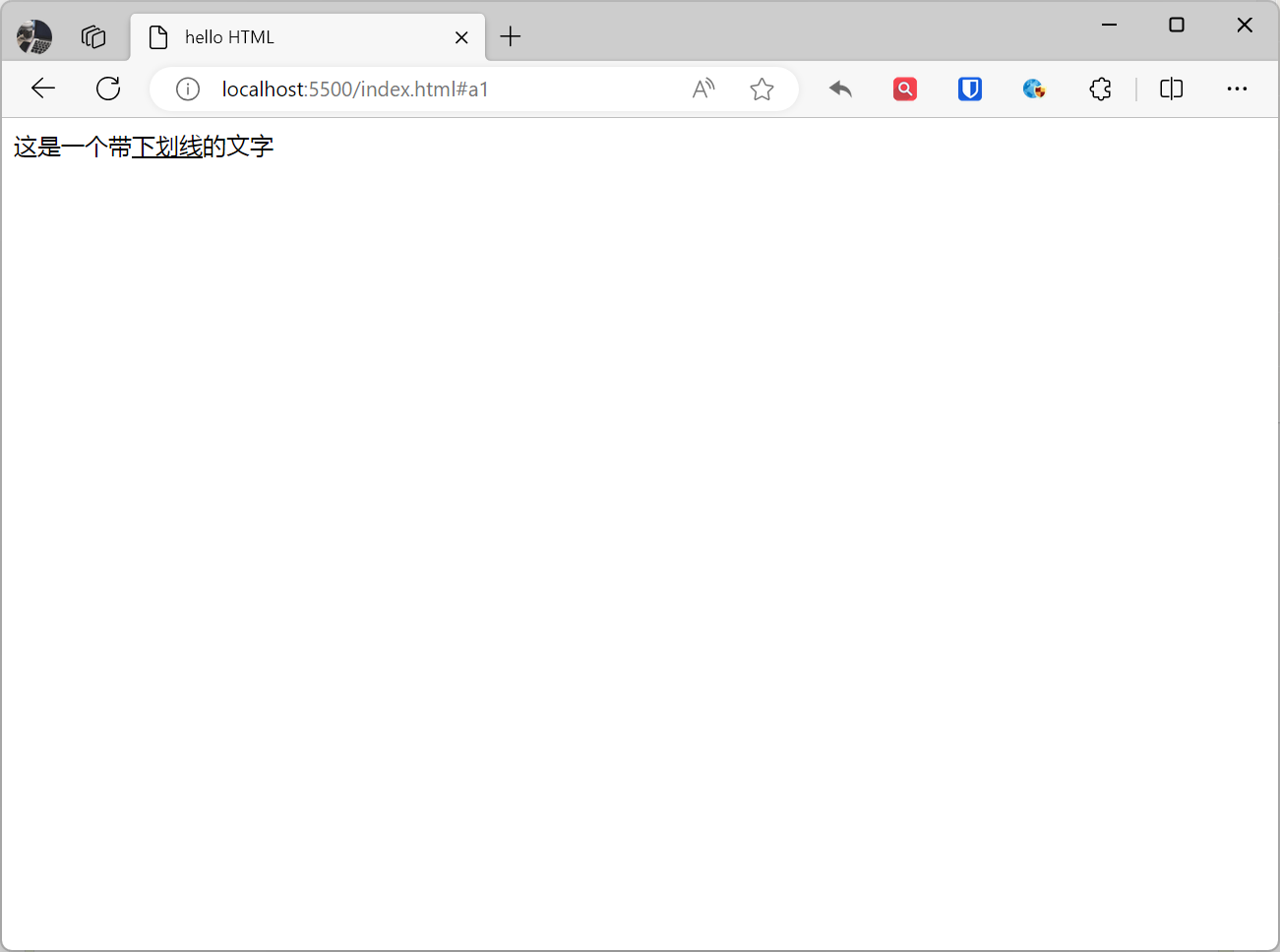
The underline element <u> is used to represent underlined text.
Example:
This is text with <u>underline</u>Effect:
[!Summary]
- In HTML 5, the underline element
<u>is deprecated. This means it’s still a valid HTML element, but it’s not recommended for use.
Strikethrough
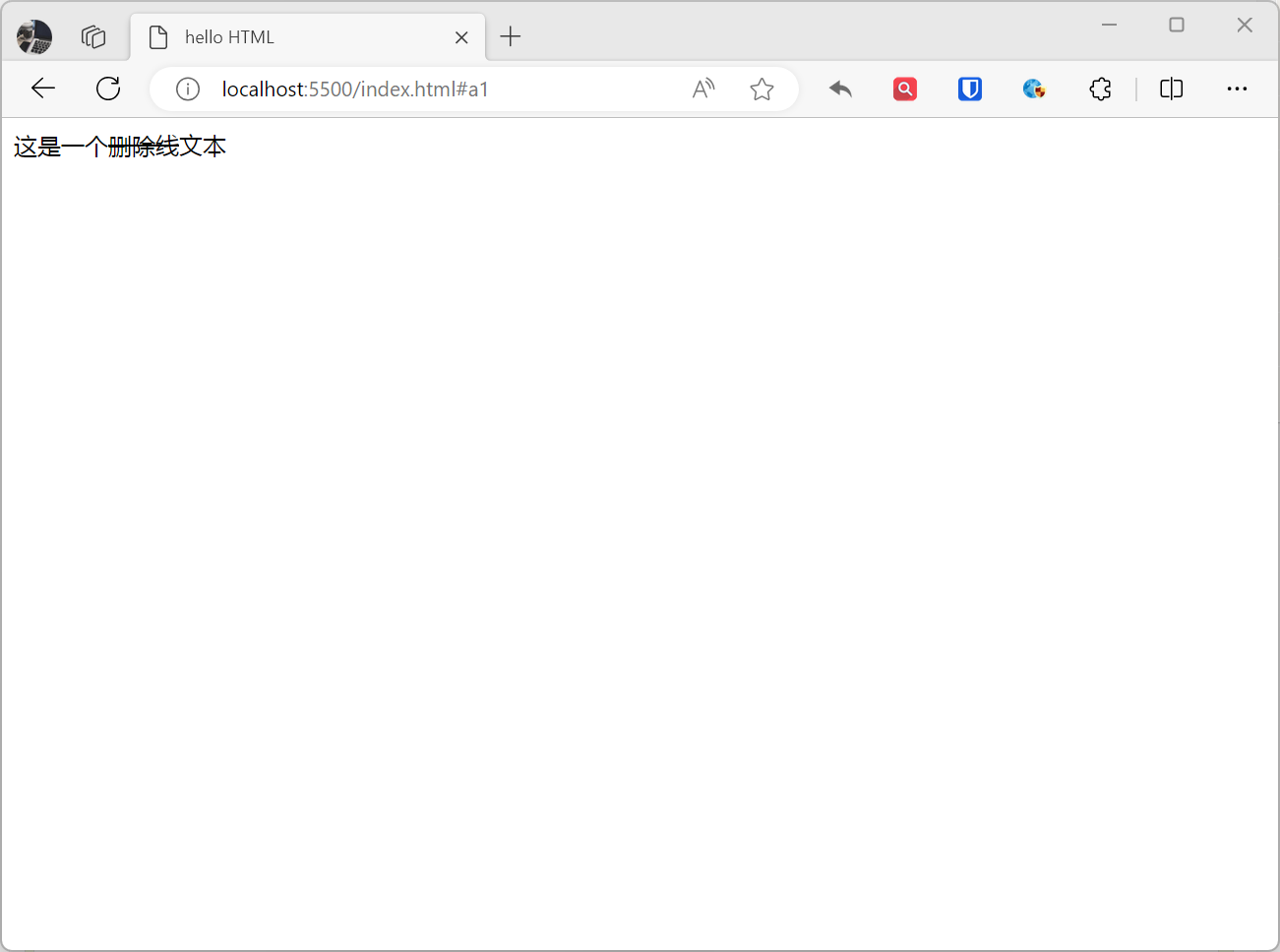
The strikethrough element <del> is used to display text that has been deleted or deprecated, and browsers typically add a horizontal line through this text.
Example:
This is <del>strikethrough</del> textEffect:
[!Summary]
- In HTML5, the strikethrough element
<del>is deprecated. This means it’s still a valid HTML element, but it’s not recommended for use.
Highlight
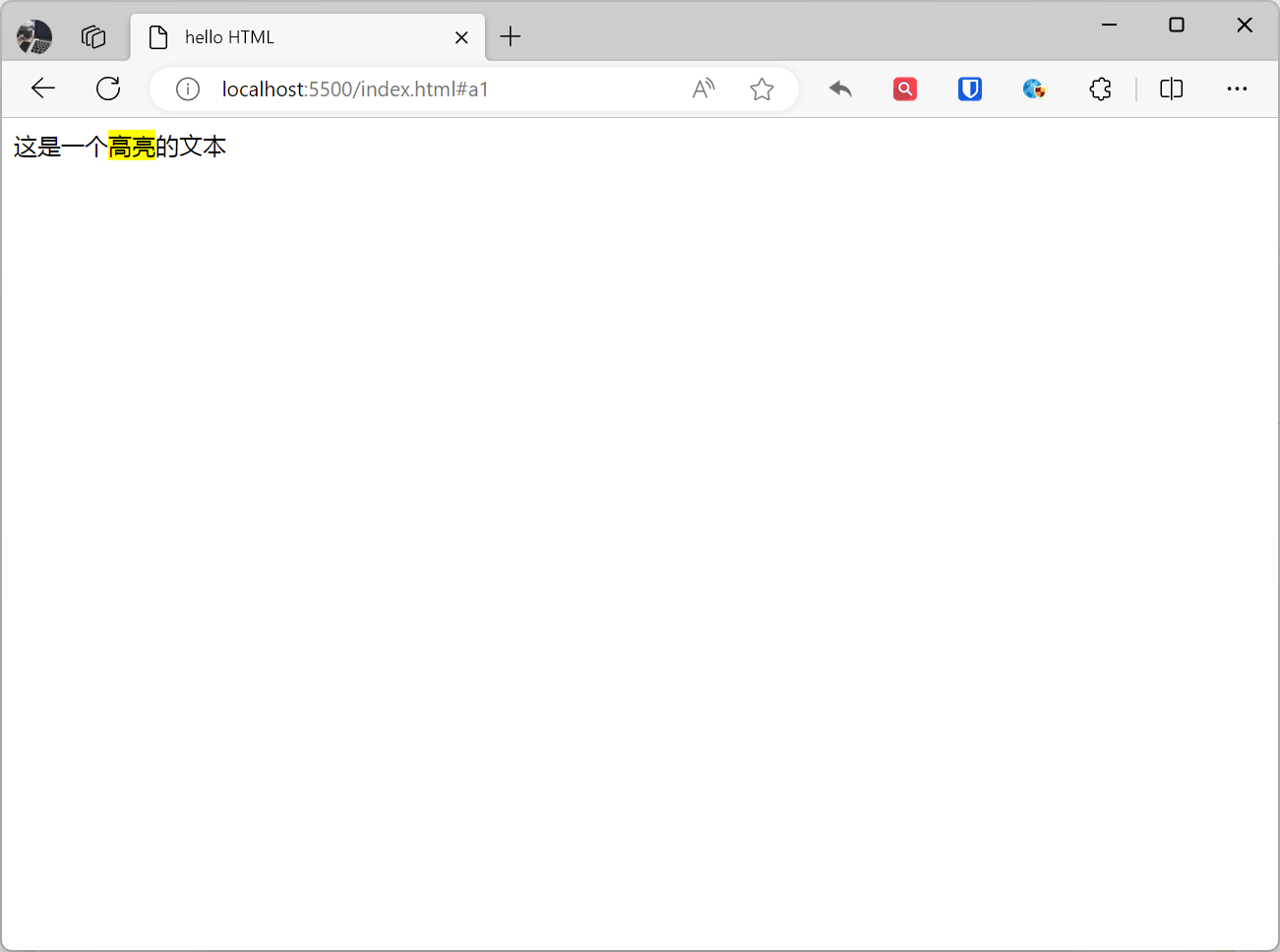
The <mark> element is used to mark a portion of text to highlight or mark it. Typically, text marked with the <mark> element is highlighted with a yellow background to make it more visible in the document.
Example:
This is <mark>highlighted</mark> textEffect:
Subscript and Superscript
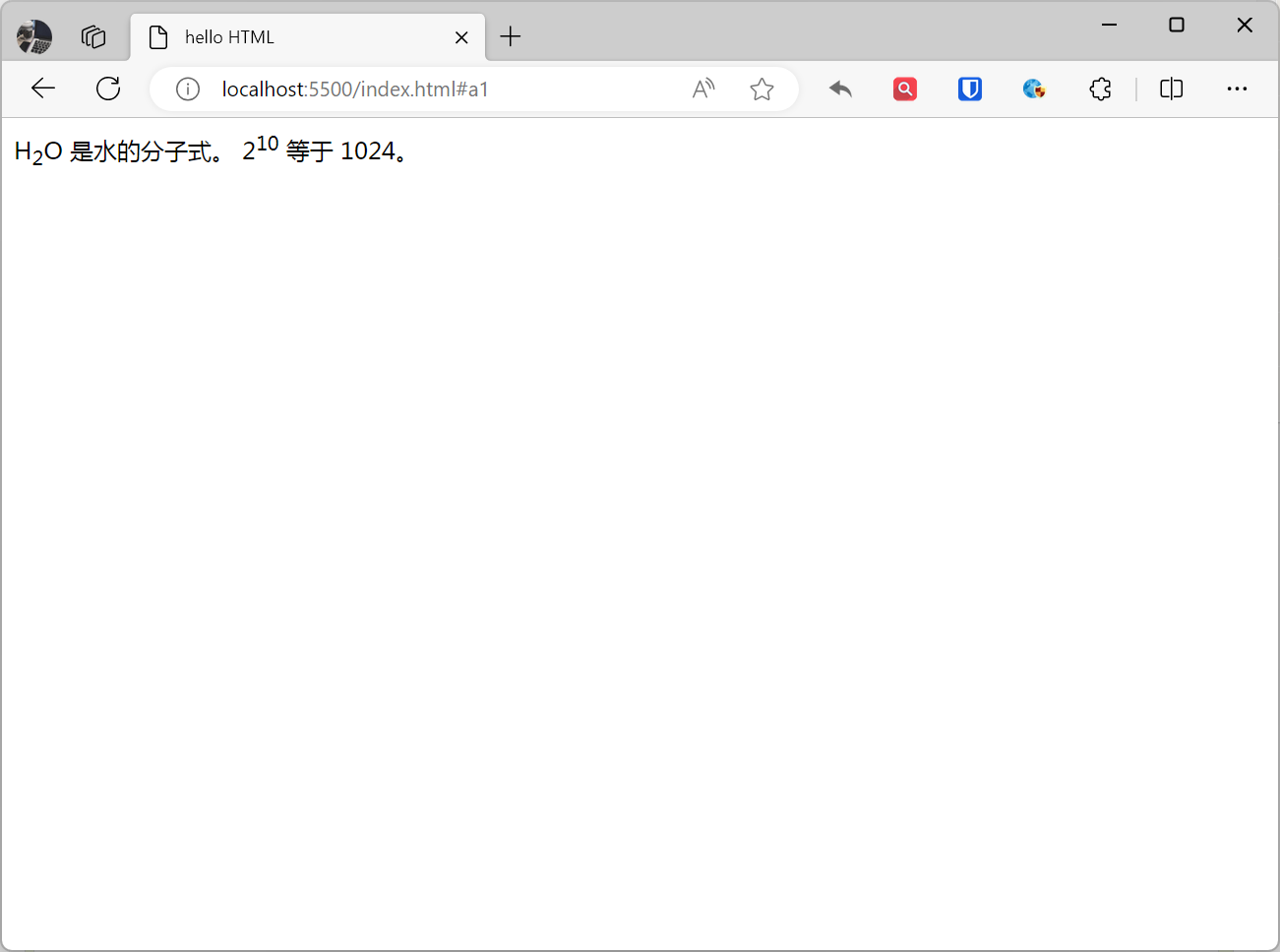
The <sub> element represents subscript text, and the <sup> element represents superscript text. Subscript and superscript elements are commonly used in mathematics, chemical formulas, dates, temperatures, and other scenarios.
Example:
H<sub>2</sub>O is the molecular formula for water.2<sup>10</sup> equals 1024.Effect:
| Element | Function |
|---|---|
<a> | Defines a hyperlink |
<em> | Represents emphasized text, usually displayed in italic |
<strong> | Represents emphasized text, usually displayed in bold |
<abbr> | Represents an abbreviation or acronym |
<cite> | Marks the title of a work |
<code> | Defines computer code text |
<br> | Line break |
<i> | Represents italic text |
<b> | Represents bold text |
<small> | Represents smaller text |
<sub> | Represents subscript text |
<sup> | Represents superscript text |
<mark> | Represents marked/highlighted text |
<del> | Represents deleted text |
<ins> | Represents inserted text |
<dfn> | Defines a term (definition element) |
<time> | Represents a date or time |
<kbd> | Represents keyboard input |
<var> | Represents a variable |
<samp> | Represents computer program output or sample |
<q> | Represents a short quotation (inline) |
<blockquote> | Represents a block quotation |
<address> | Represents contact information for the author/owner of a document or article |